Free proposal generator
This free proposal generator writes a complete proposal from a short form with no account, no trial and no limit on drafts. You can edit every section, copy the text, print a PDF and download a Word file. Only the optional AI step that tailors the text to a client brief uses credits.
By The Clinchdraft team (Product and testing). Last updated .
How to use the free proposal generator, step by step
- Choose the kind of work from the list, for example general services, photography or cleaning.
- Type your business name, the client and what they want, starting with a verb.
- Next, keep or change the sample deliverables, timeline and price options the form suggests.
- Then press Generate, and click Edit on any section that needs your own wording.
- Finally, copy the text, print it to PDF or download the Word file, and send it to the client.
Generating a proposal is free and needs no account. Tailoring it to a client brief uses a credit, so see the pricing page for packs and plans, or read how we test the templates.
Free proposal generator tested with a real input
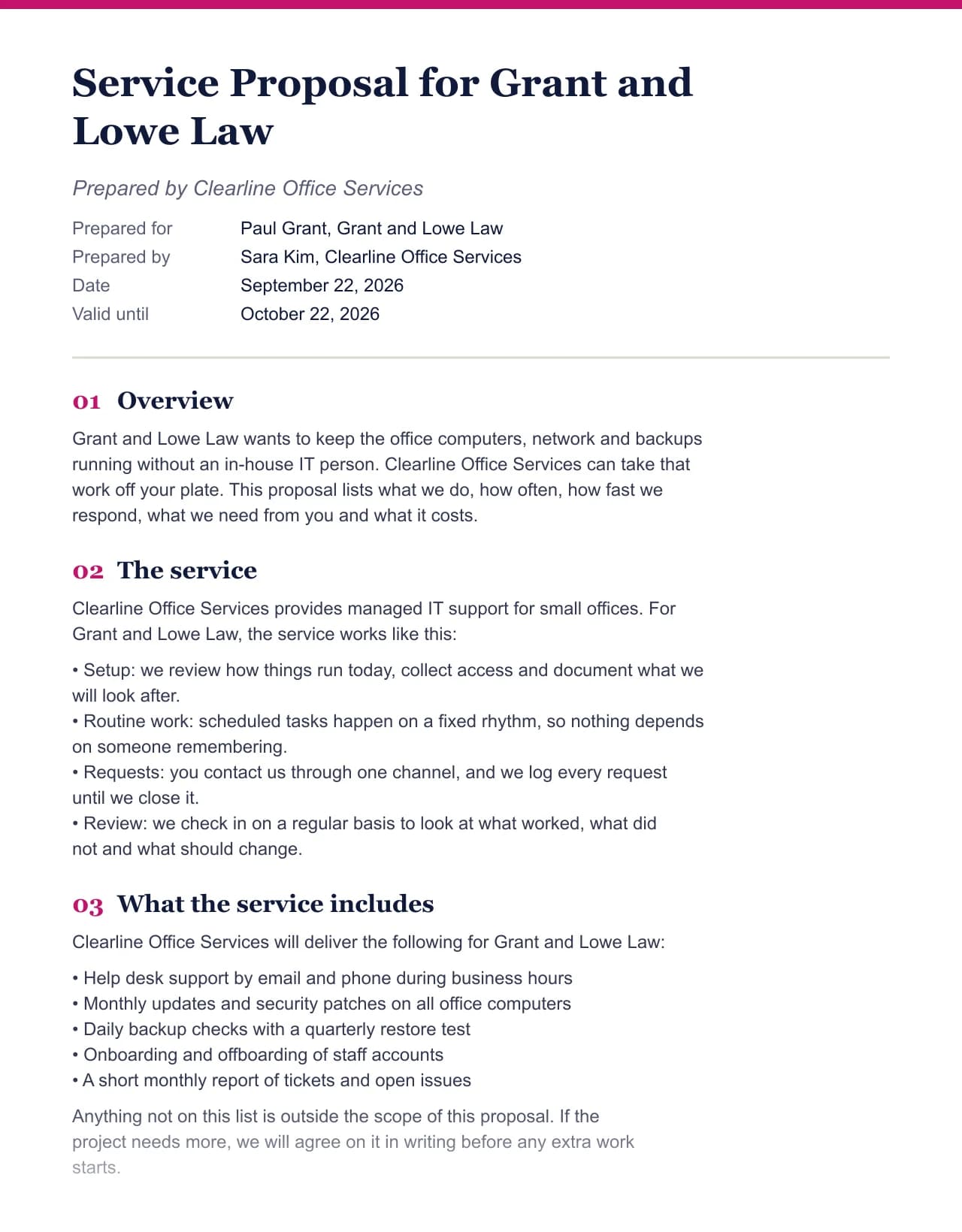
We ran a fictional business and client through this exact generator. Every number below comes from that run, including the size of the Word file the download button produces.
- Test input
- Clearline Office Services (fictional) writing to Grant and Lowe Law, with the default deliverables and prices for this field
- Output
- Service Proposal, 11 sections
- Words
- 735
- Sections
- 11
- Price options
- 2
- Placeholders left
- 7
- Word file size
- 12 KB
- Generation time
- 2 ms
How we test: every page uses the same input, and we check each output by hand. More on the about page.
What is free in this free proposal generator
Everything you need to send a proposal is free. That covers the form, the full draft in the sections your field expects, editing on screen, copying as Markdown, printing to PDF and the Word download. There is no account to create and no trial that runs out after seven days.
The draft is also unlimited. Admittedly, a rate limit stops scripts from hammering the server, but a person writing proposals will not reach it. Because the draft is assembled from a hand written section library instead of an AI model, each one costs us almost nothing, and that is why we can give it away.
Nothing you type is stored, either. First, the form goes to the server. Then the proposal comes back, and the server keeps no copy of your text.
What costs money, and why
One step is paid: the AI rewrite that fits your proposal to a client brief. That is because it calls a language model, and every call costs us real money. Still, you get three free runs a day. After that, a run costs one credit from a pack or a plan.
Before any rewrite, the tool reads the brief for free. It lists the requirements, questions, deadlines and budget lines it found and shows which of your sections answers each one. So you can see the gaps before you decide to spend a credit.
The Word file from the free version ends with one short line that says it was made with Clinchdraft. Paid plans remove that line. In contrast, the PDF you print from the browser has no such line, so a free user can send a clean file.
Free proposal generator or a free template?
A free template in Word or Canva gives you headings and a layout. However, you still write every sentence. This generator gives you the sentences too: the summary, the scope, the terms and the next steps, already filled with your client's name and goal.
On the other hand, a template file lets you design the page any way you like. Our output, by contrast, is plain and clean on purpose. If the look matters as much as the words, generate the text here and paste it into your own designed layout. Otherwise, for a proposal that only needs to be clear, the Word file is ready to send as it is.
Free and paid features side by side
| Feature | Free or paid |
|---|---|
| Full proposal draft in 19 fields | Free, unlimited, no account |
| Edit any section on screen | Free |
| Copy as Markdown | Free |
| Print or save as PDF | Free, no branding line |
| Word (.docx) download | Free, with a one line footer |
| Word file without the footer | Paid plans |
| Brief reading and section mapping | Free |
| AI rewrite for a client brief | Three free runs a day, then one credit per run |
Free proposal generator FAQ
Is this proposal generator really free?
Yes. Generating, editing, copying, printing and downloading the Word file are free with no account. Only the AI rewrite uses credits after three free runs a day.
Do I need to sign up to use the free proposal generator?
No. Open the page, fill in the form and press Generate. An account only matters if you buy credits or a plan.
Is there a watermark on the free proposal?
The Word file ends with one small line that says it was made with Clinchdraft. There is no watermark across the page, and a PDF printed from your browser has no branding.
How many proposals can I make for free?
As many as you need, because there is no monthly cap on drafts, only a short rate limit that stops automated abuse.
Can I use the proposal in Google Docs?
Yes. Upload the Word file to Google Drive and open it with Google Docs, or copy the text as Markdown and paste it in.
What types of proposals can I make for free?
There are 19 fields, from consulting and marketing to construction, catering, grants and Upwork jobs. Also, each one has its own sections and sample prices you can change.