This proposal generator turns a short form into a complete proposal in the sections your field expects, from the summary to the signature block. Also, it is free with no account, and it never invents a fact. Then, if you want, paste the client brief and let the AI step fit the text to their words.
By The Clinchdraft team (Product and testing). Last updated .
How the proposal generator works
First, the draft is assembled from a hand written section library for each of 19 fields, filled with your form. Because no AI model writes it, it returns at once, costs nothing and cannot make up a client, a result or a price. As a result, anything you leave empty stays in square brackets, where you will see it.
After that, the optional AI step works from the client's own brief, RFP or job post. It lists the requirements, questions, deadlines and budget lines it finds and shows which section answers each one, for free. The rewrite in the client's words uses one credit, and the first three runs each day are free. However, the tool stops at the document: there is no e-signature, payment link, view tracking or CRM.
Before and after the proposal generator
Drag the seam. On the left, you see the bare event template with its [placeholders], while on the right is the same template after one run with a fictional planner and client. In other words, the layout stays and only your facts change.
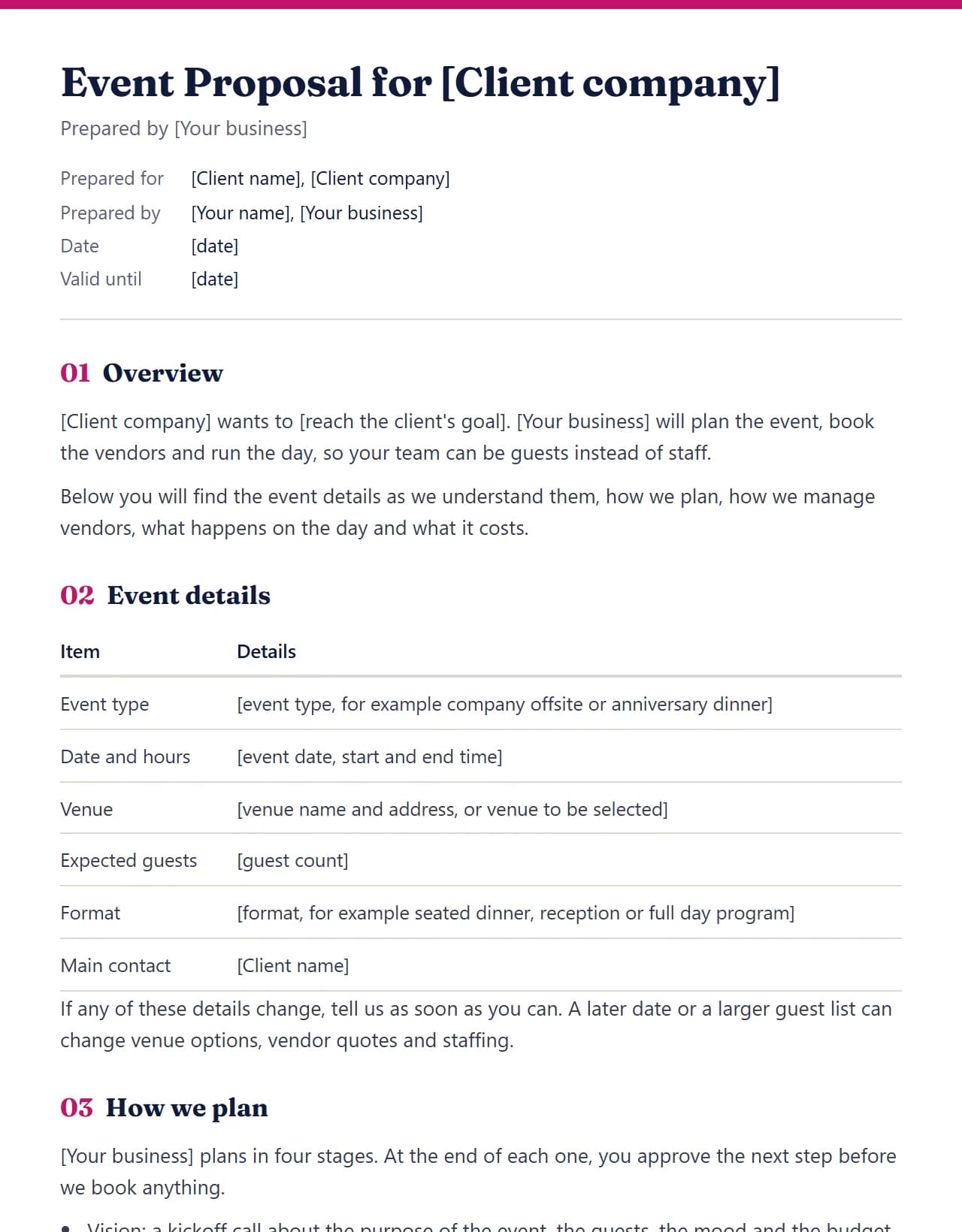
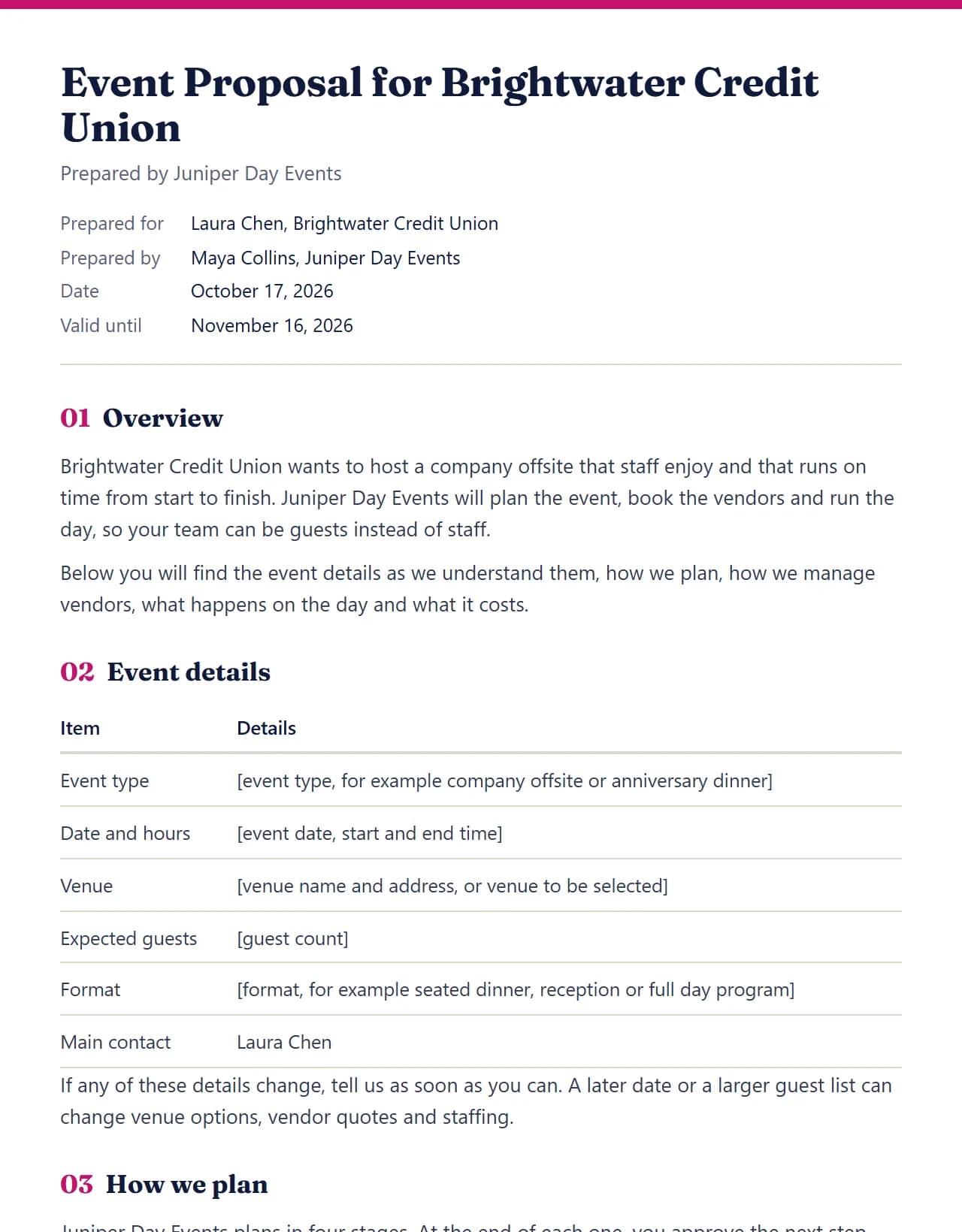
A real run of the event template for a fictional client. Drag the seam to compare.
What the proposal generator writes
Every page below is a real output from one run of the engine with fictional businesses. So scroll through a proposal, a price table, a cover letter, the Word file and the brief check.

01Proposal
A full proposal in the sections your field expects
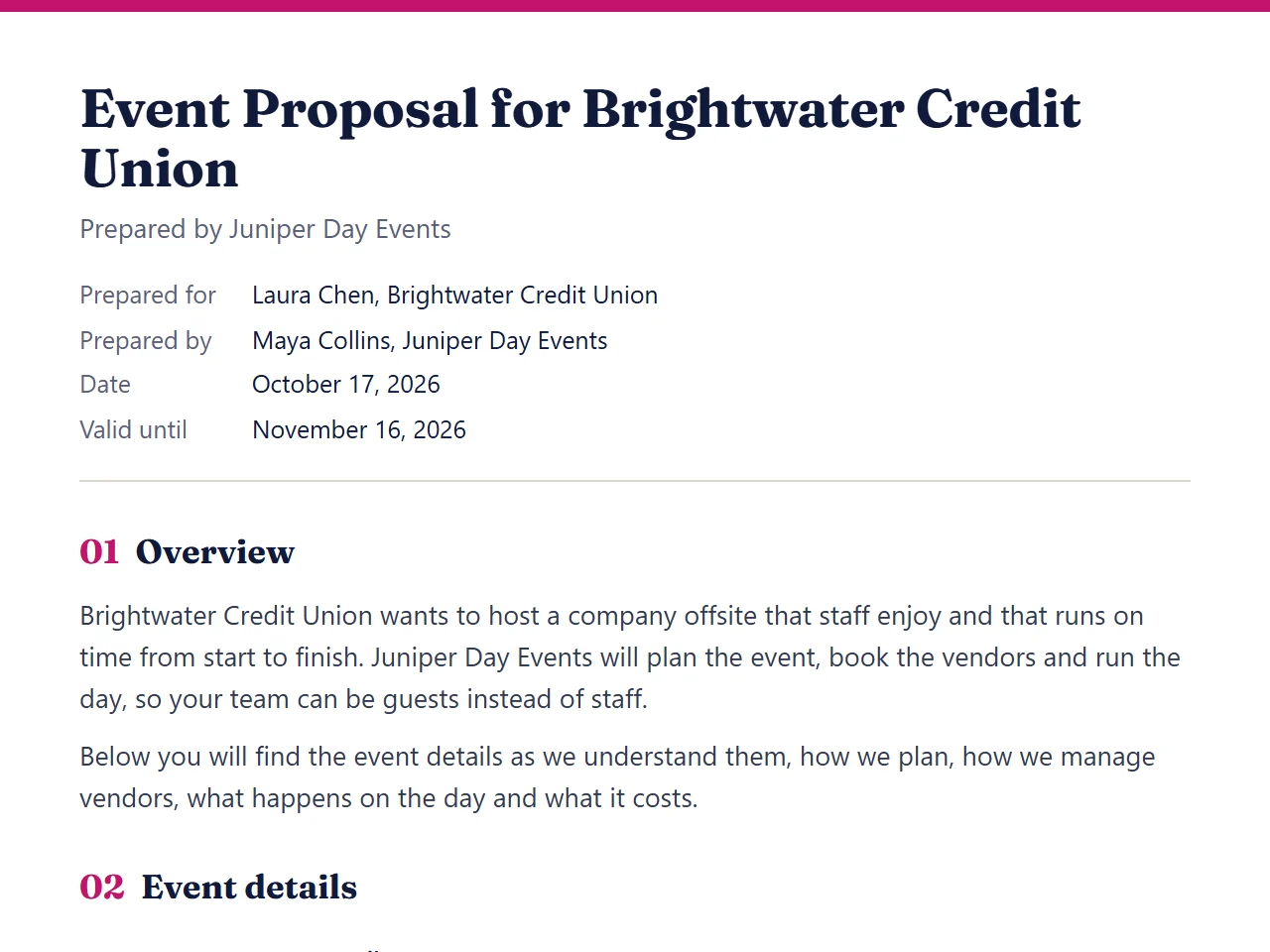
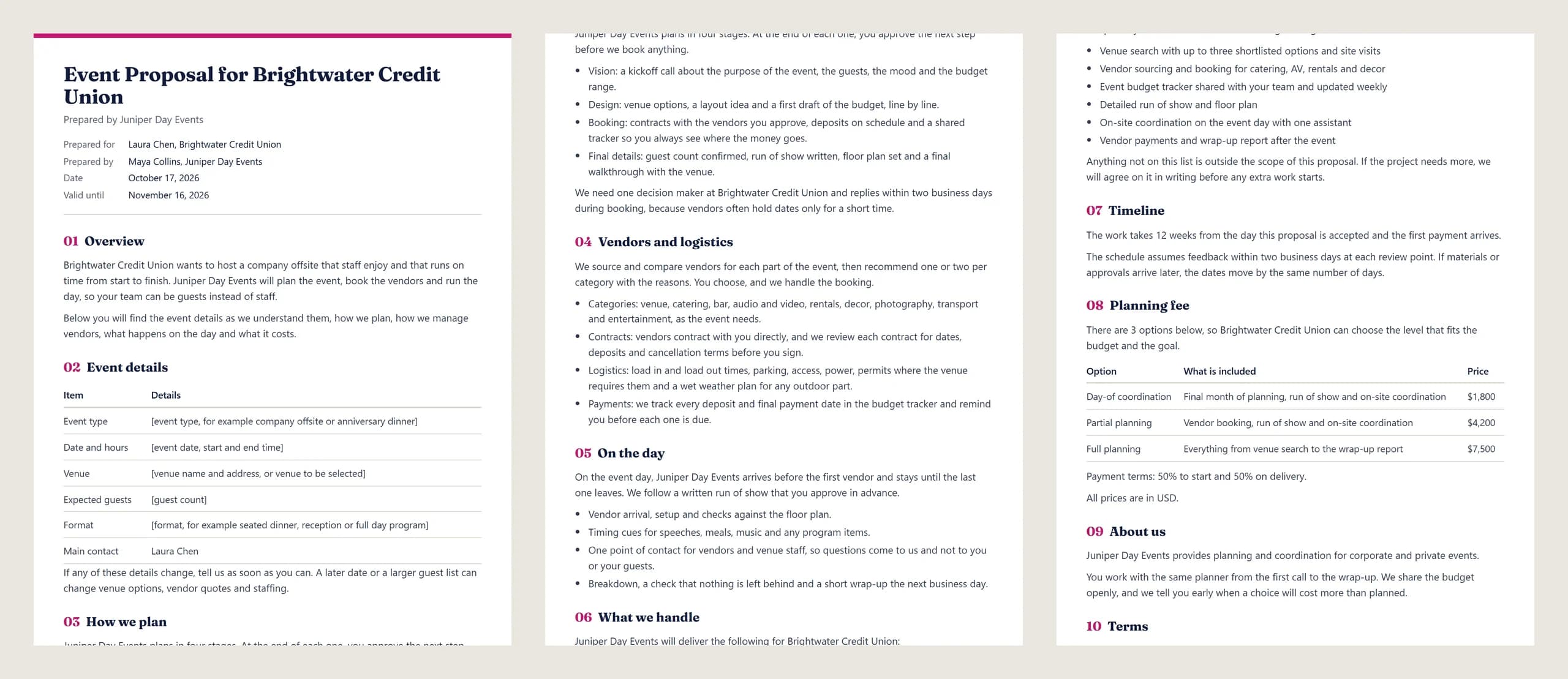
First, an event proposal for a fictional credit union offsite: 11 sections and 905 words, from the overview to the acceptance block, generated in 13 ms. In addition, the 5 gaps the form did not cover stay in [square brackets] for you to fill.
Learn more about A full proposal in the sections your field expects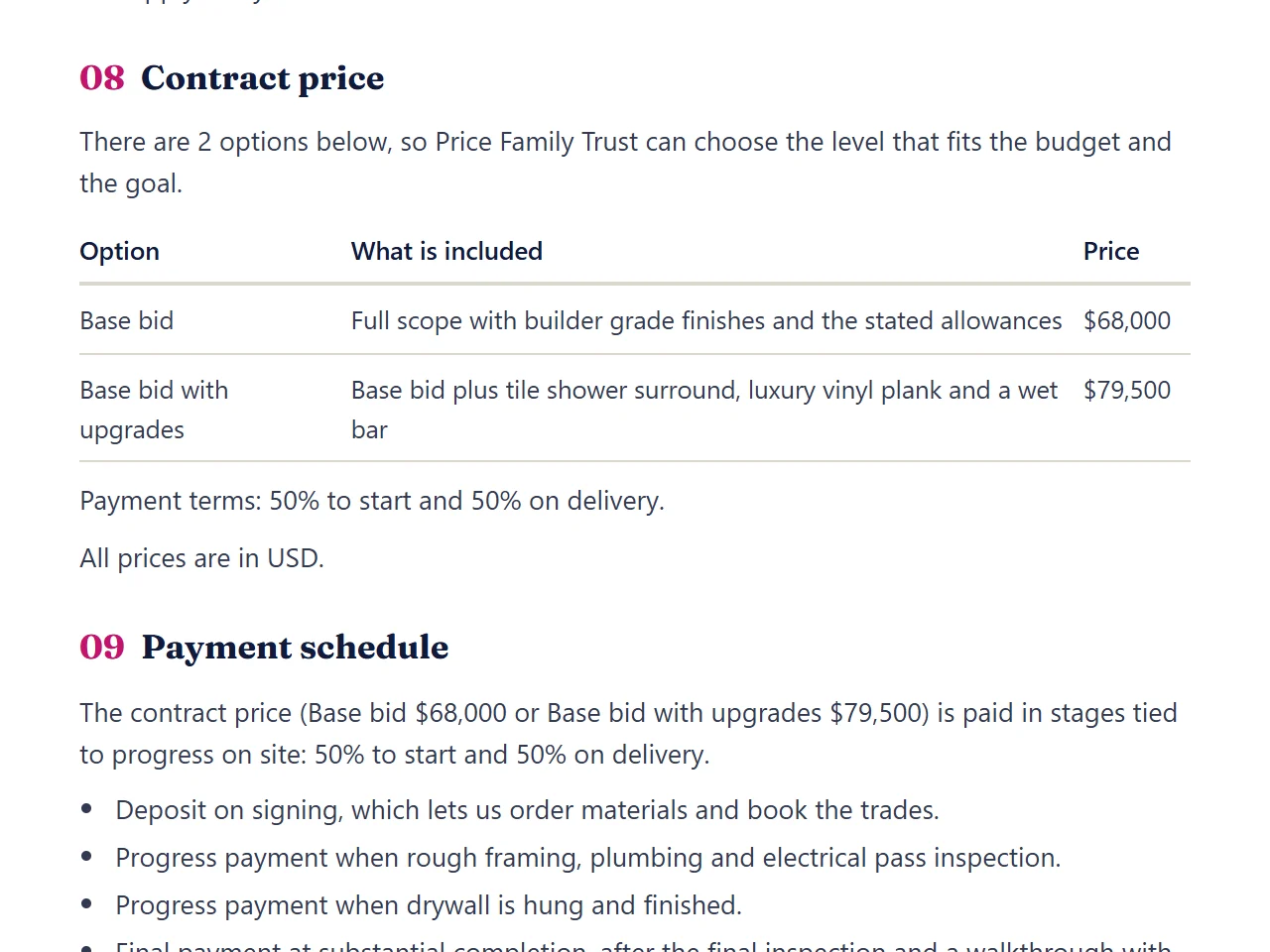

02Price options
Your prices, laid out as options the client can pick
Next, a construction bid with 2 price options in its "Contract price" section, the payment terms under the table and a payment schedule tied to progress on site. Also, the numbers are the ones you typed, so nothing is estimated.
Learn more about Your prices, laid out as options the client can pick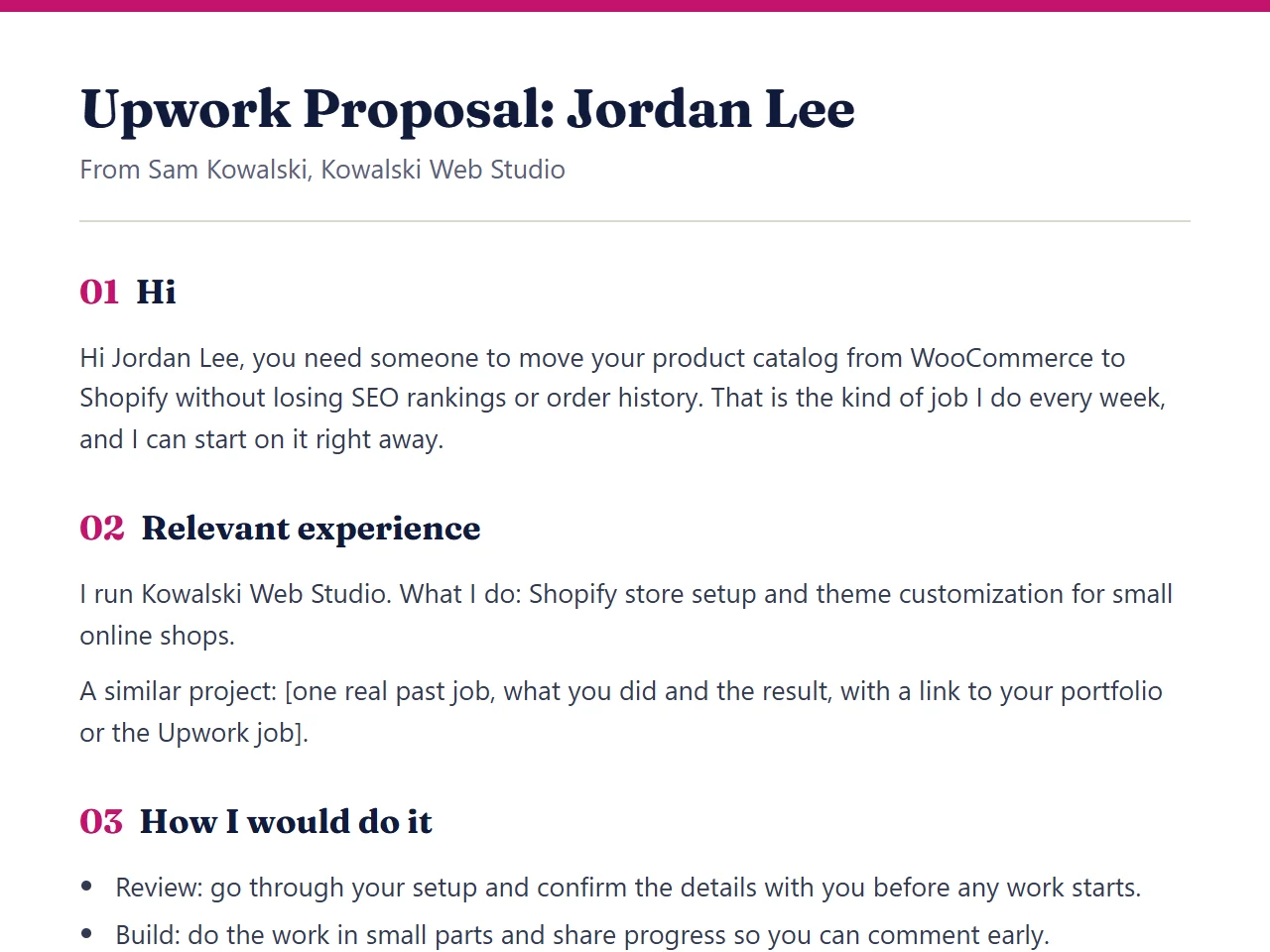

03Upwork letter
A short cover letter when the job post wants one
For Upwork, however, the generator writes a letter instead of a document: 6 short parts and 220 words that answer the job, show one similar project and say how you would do it.
Learn more about A short cover letter when the job post wants one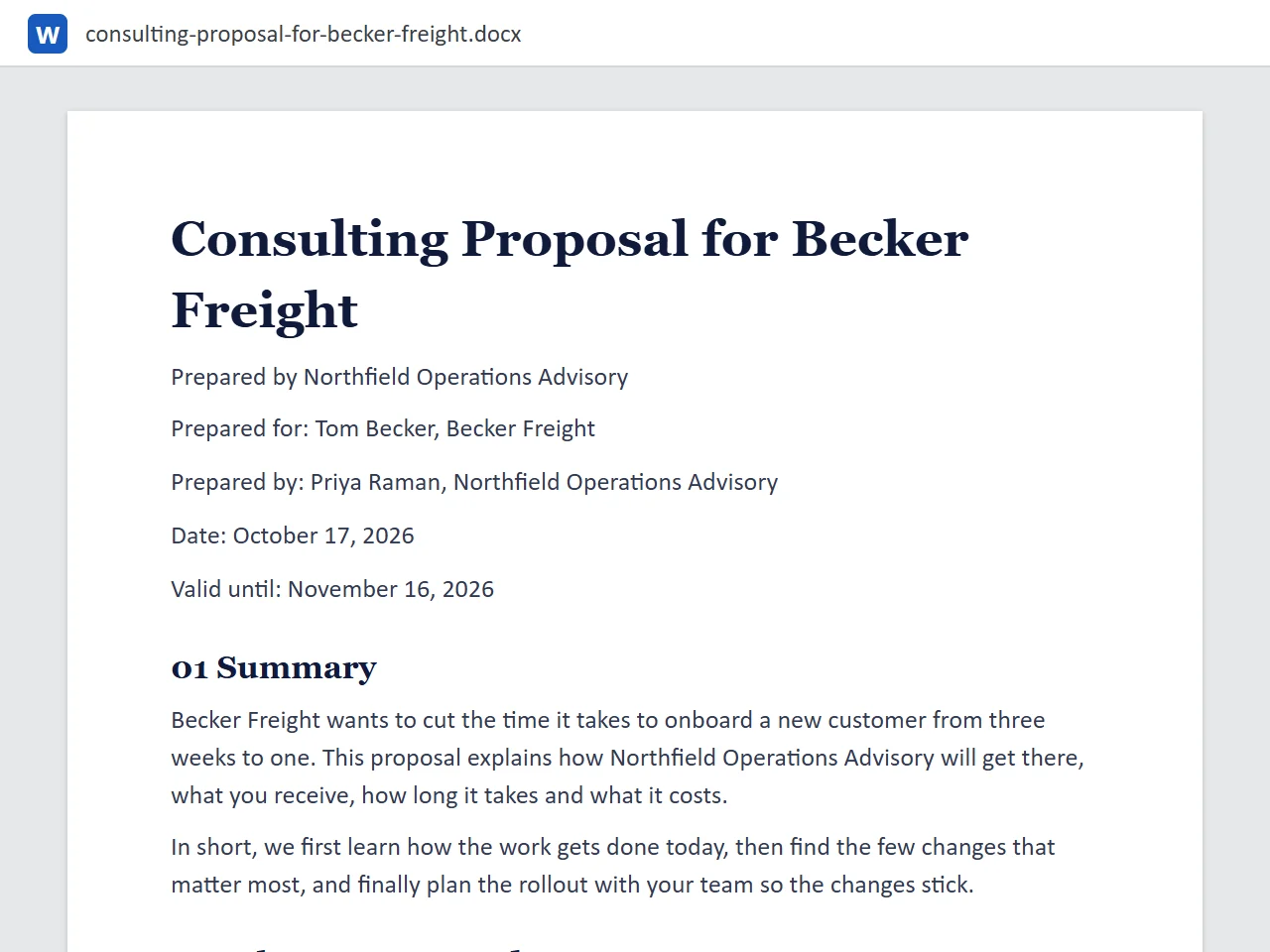

04Word file
A Word file that opens anywhere
Then there is the download, a real .docx: 12 KB, 70 paragraphs, Georgia headings and Calibri text. As a result, it looks the same in Word, Google Docs and Pages. However, free files end with one short footer line.
Learn more about A Word file that opens anywhere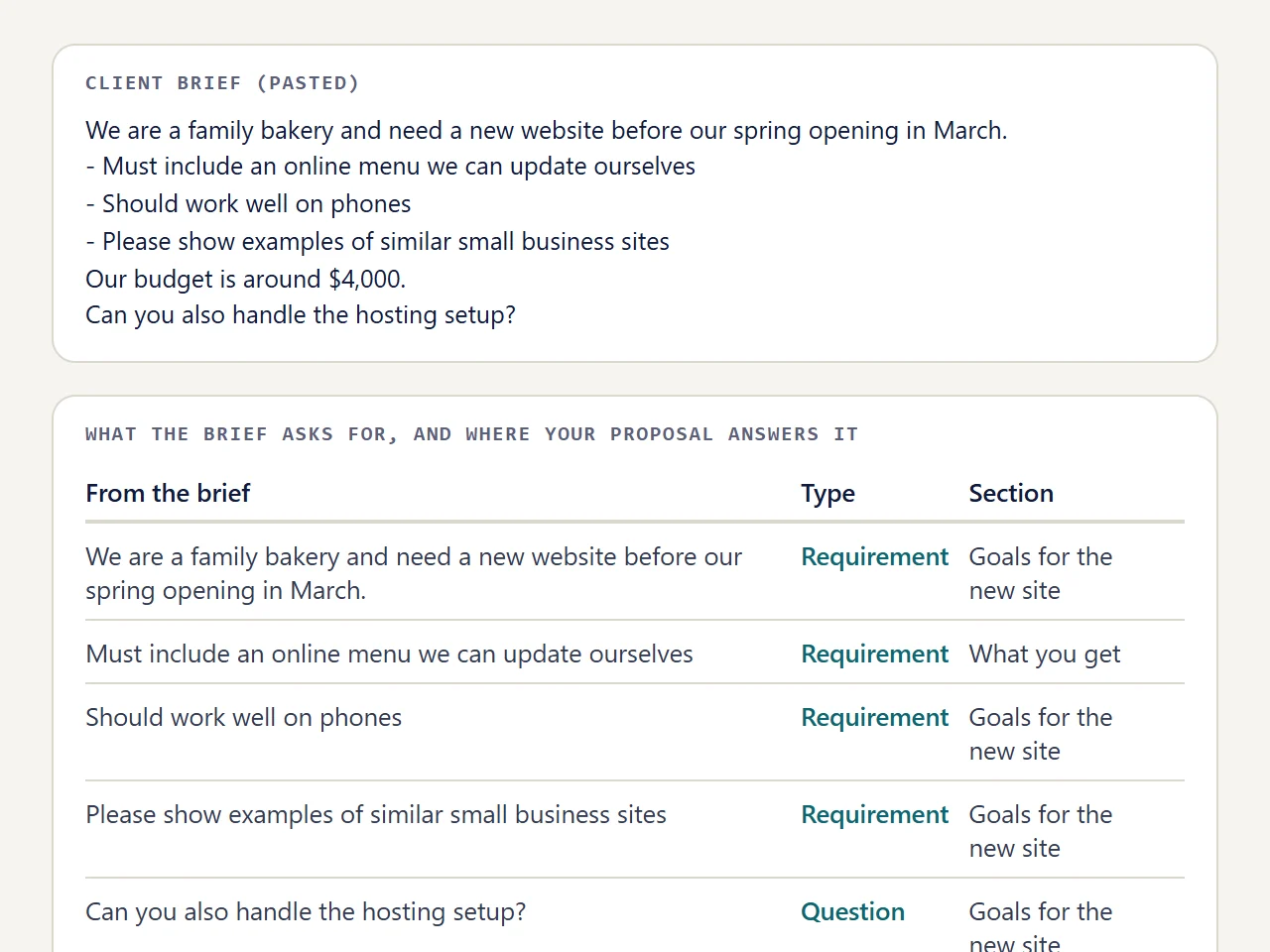

05Brief check
The client brief, mapped to your sections for free
Finally, paste the client's brief and the tool lists what it asks for. For example, in this run a 53 word brief gave 6 items, each matched to one of 3 sections, with no model call. The AI rewrite in the client's words, by contrast, is the paid step.
Learn more about The client brief, mapped to your sections for free
Your proposal, out today
First, fill six short fields. Then edit any section, and finally copy it or download the Word file, free and with no account.
In short, 3 pages of the same event proposal, side by side, as the client reads them.
One proposal generator, three tones
For example, here is the opening of the same consulting proposal for a fictional freight company, in each tone. So pick one in the form, and the facts stay the same.
Plain
Short sentences, straight to the point.
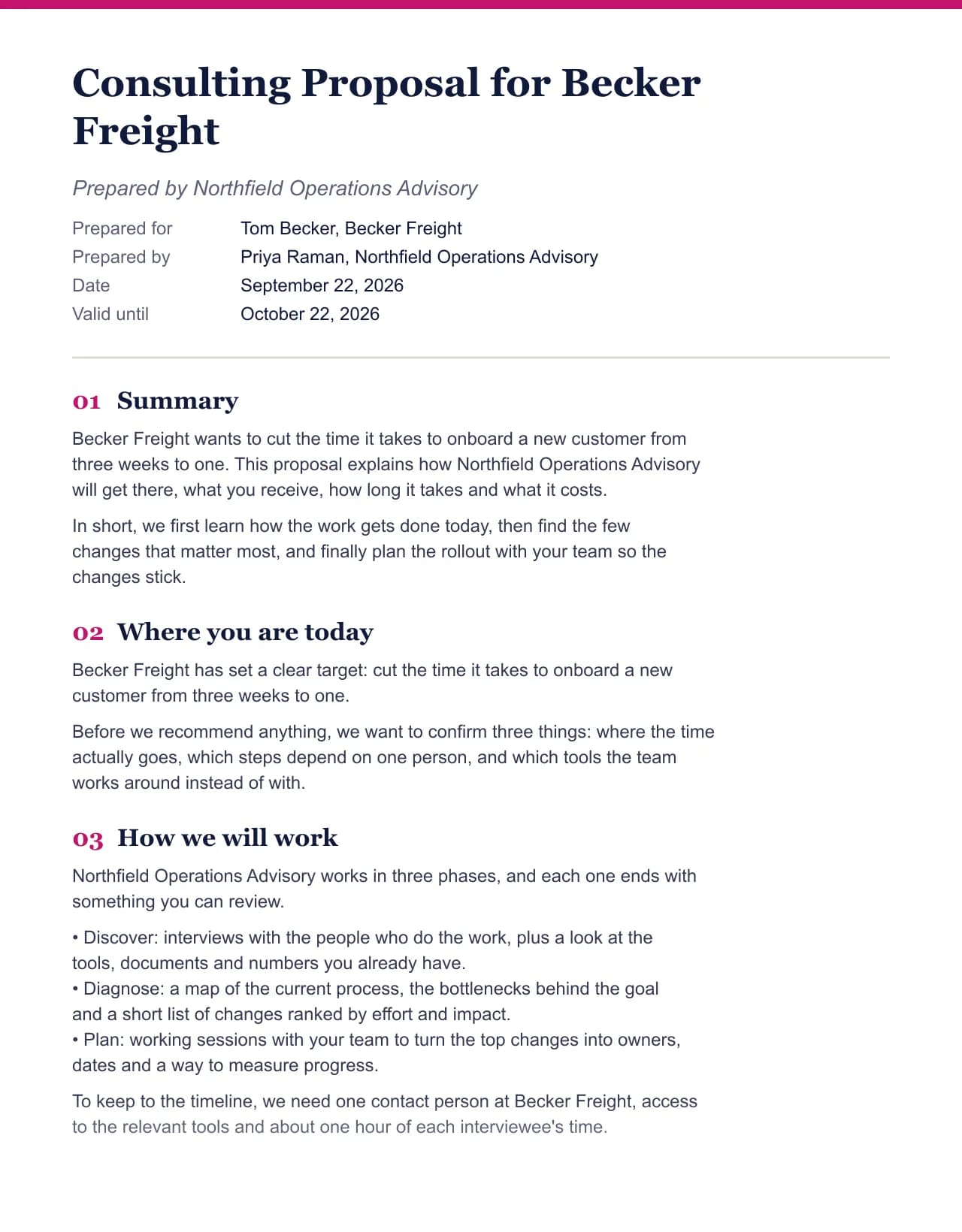
Becker Freight wants to cut the time it takes to onboard a new customer from three weeks to one. This proposal explains how Northfield Operations Advisory will get there, what you receive, how long it takes and what it costs.
Warm
Thanks the client and speaks as a partner.
Thank you for the conversation about your goal: cut the time it takes to onboard a new customer from three weeks to one. This proposal sets out how we would get there together, what you receive, how long it takes and what it costs.
Formal
For committees, boards and public bodies.
Becker Freight has asked Northfield Operations Advisory to propose an engagement with one objective: cut the time it takes to onboard a new customer from three weeks to one. This document describes the approach, deliverables, schedule and fees.
Proposal generator tested with a real input
We ran a fictional business and client through this exact generator. Every number below comes from that run, including the size of the Word file the download button produces.
- Test input
- Northfield Operations Advisory (fictional) writing to Becker Freight, with the default deliverables and prices for this field
- Output
- Consulting Proposal, 9 sections
- Words
- 583
- Sections
- 9
- Price options
- 3
- Placeholders left
- 0
- Word file size
- 12 KB
- Generation time
- 24 ms
How we test: every page uses the same input, and we check each output by hand. More on the about page.
18 templates, each filled for a real field
Drag the rail. Meanwhile, every card is the first page our test run produced for that template.
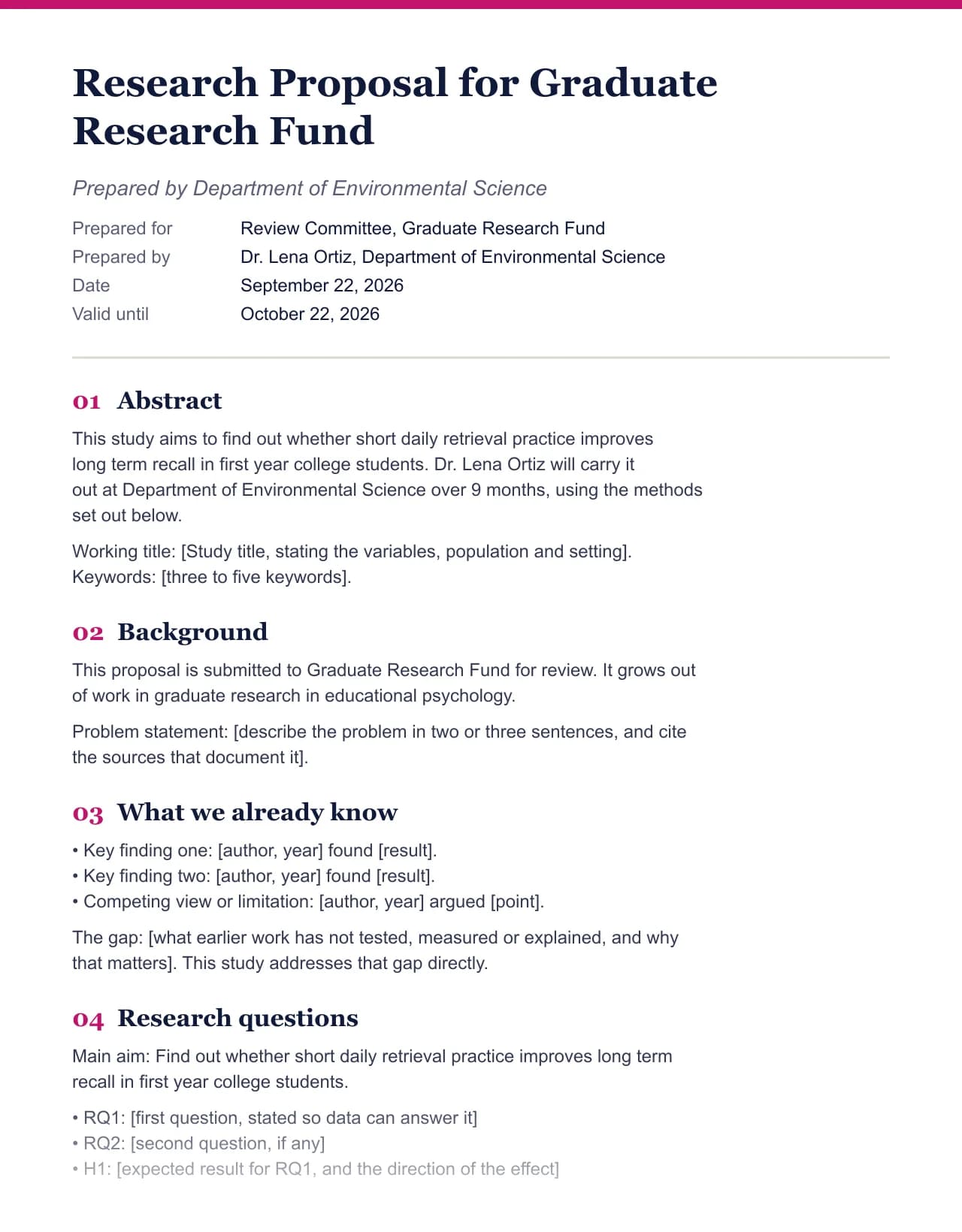 Research proposal template
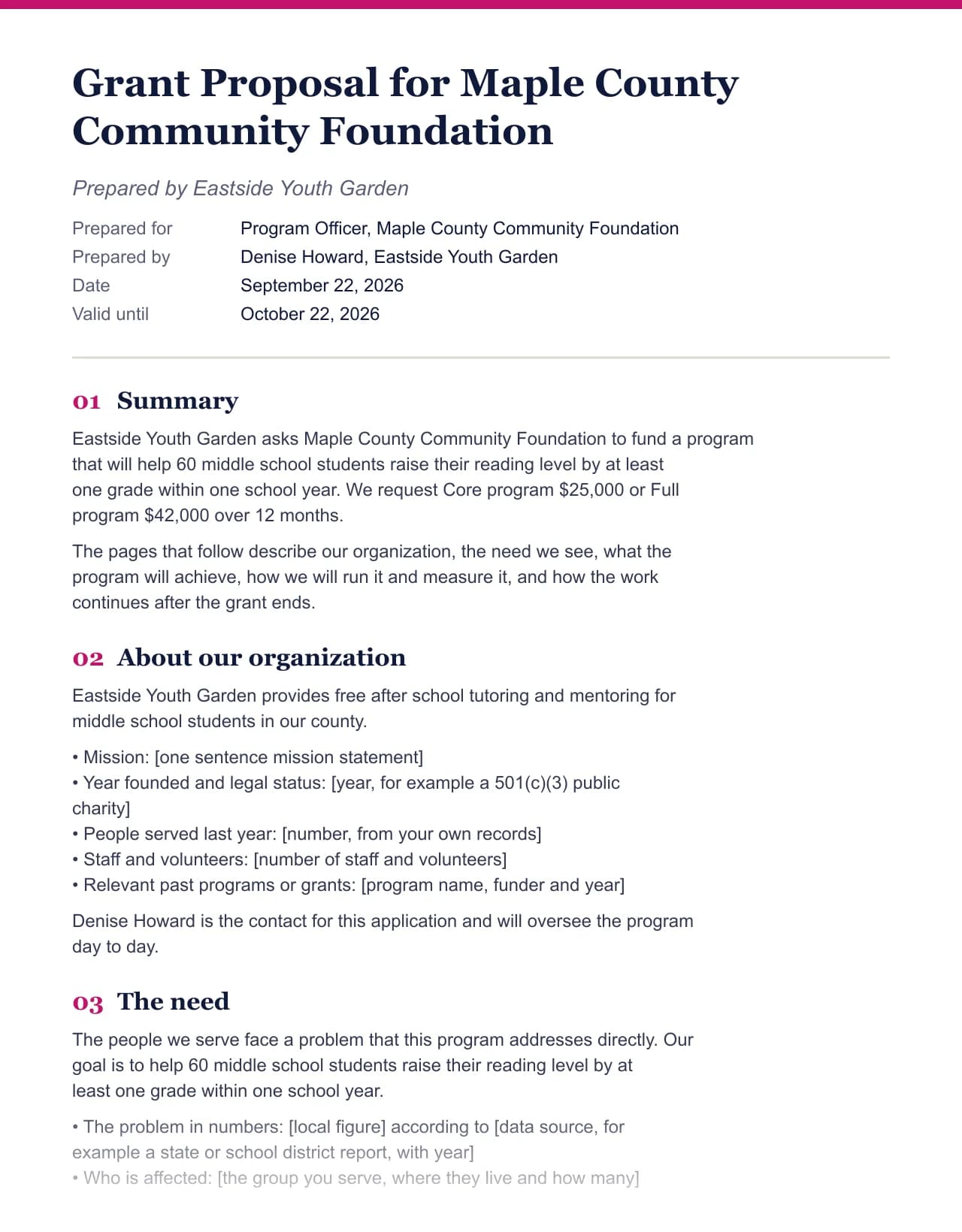 Grant proposal template
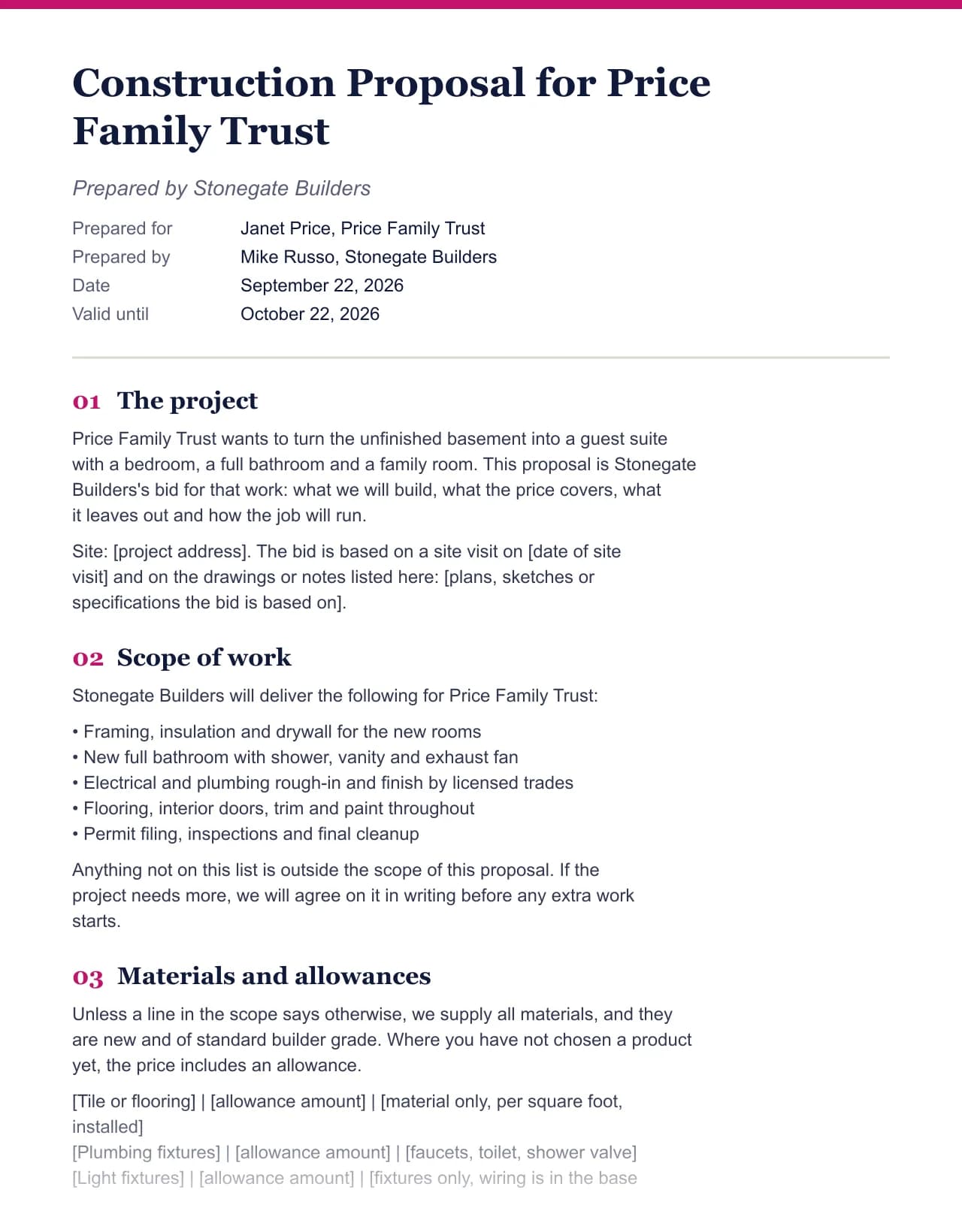 Construction proposal template
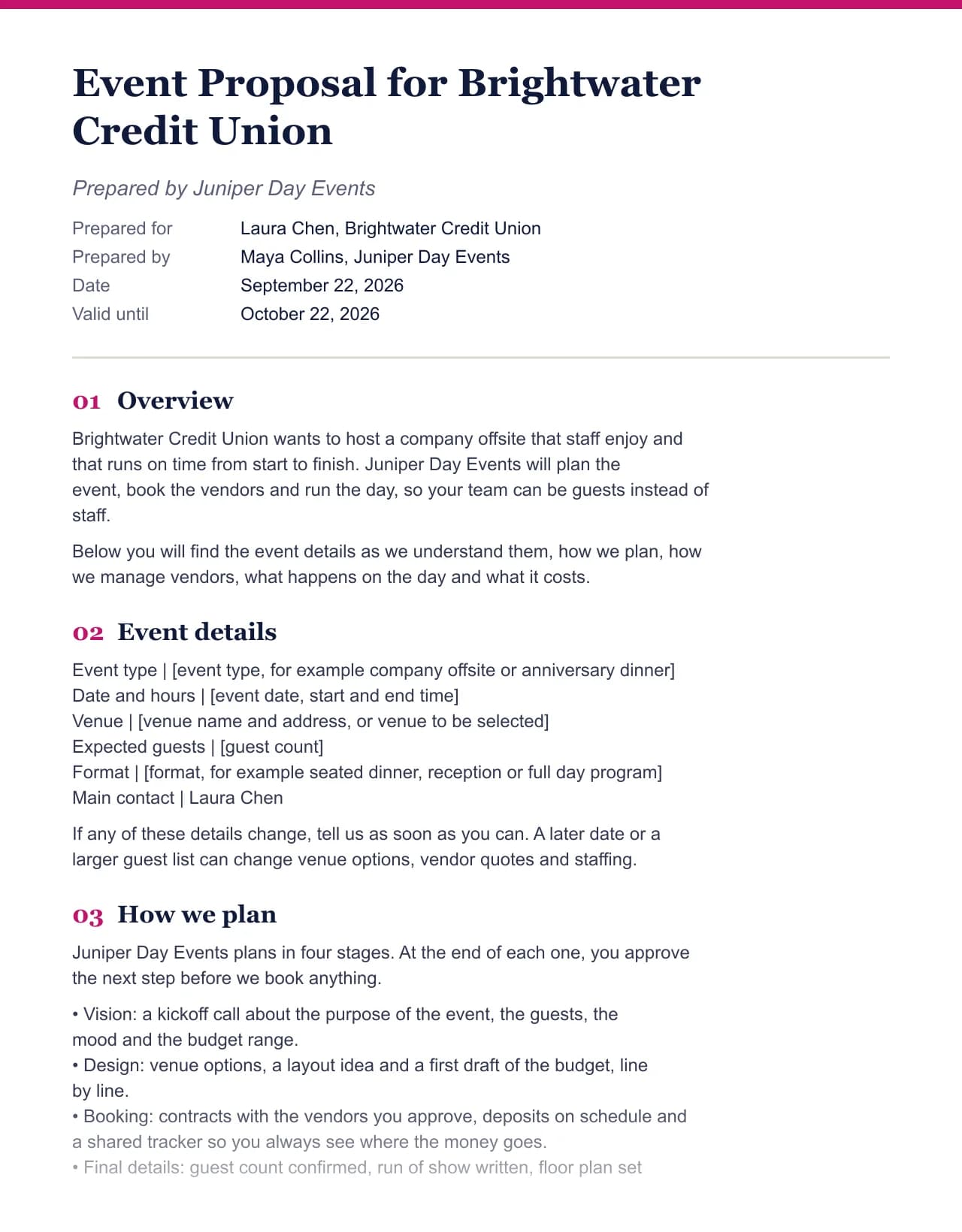 Event proposal template
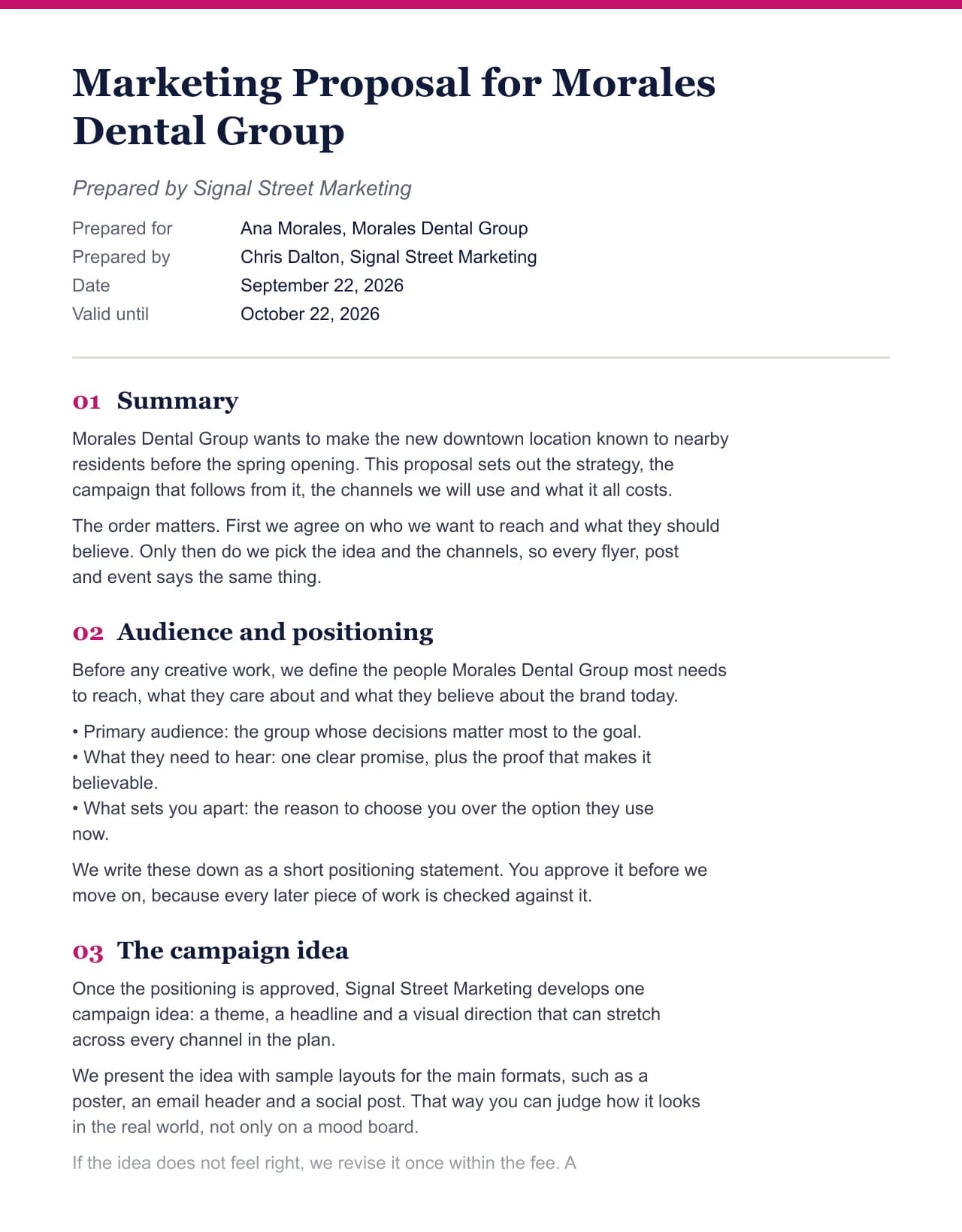 Marketing proposal template
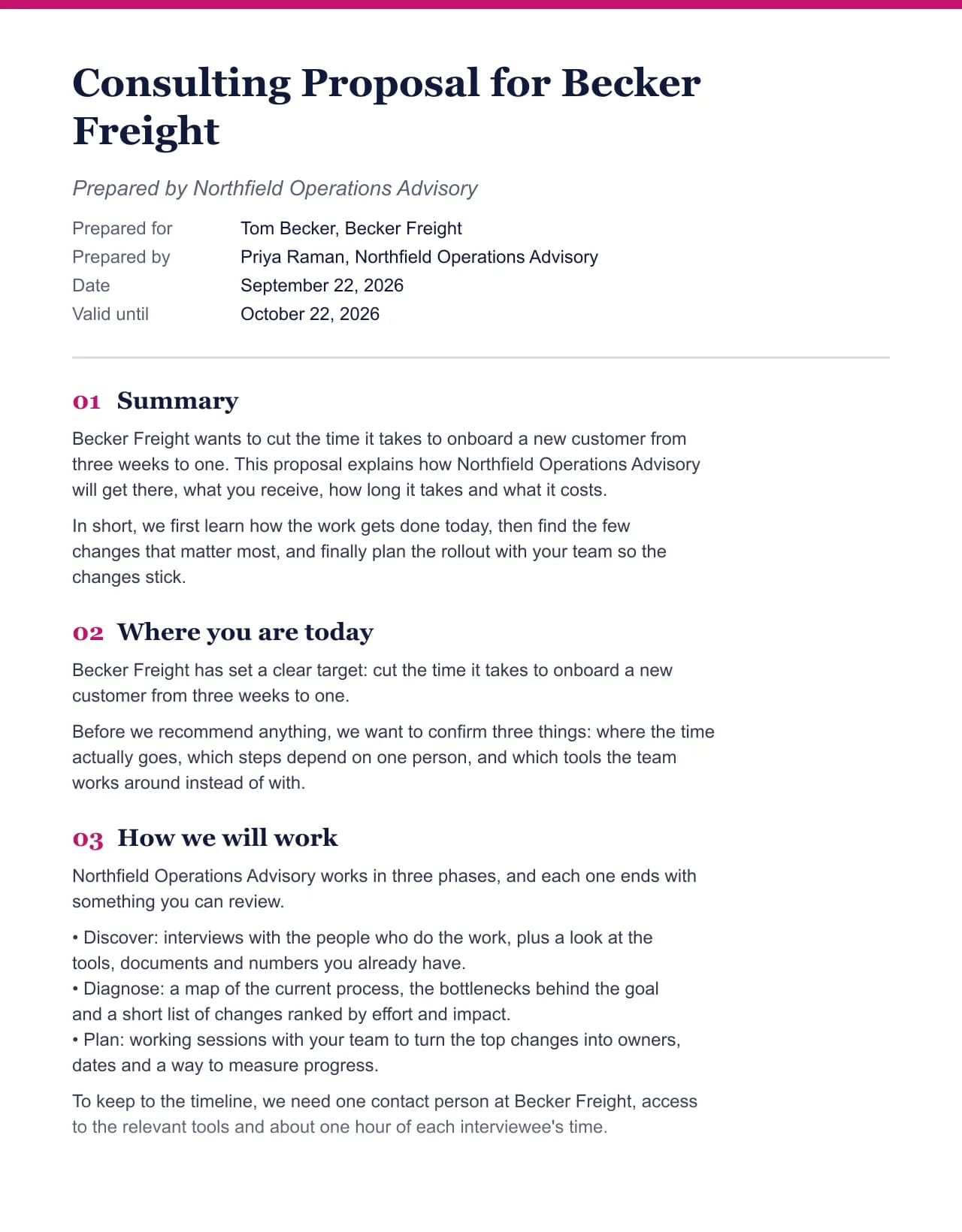 Consulting proposal template
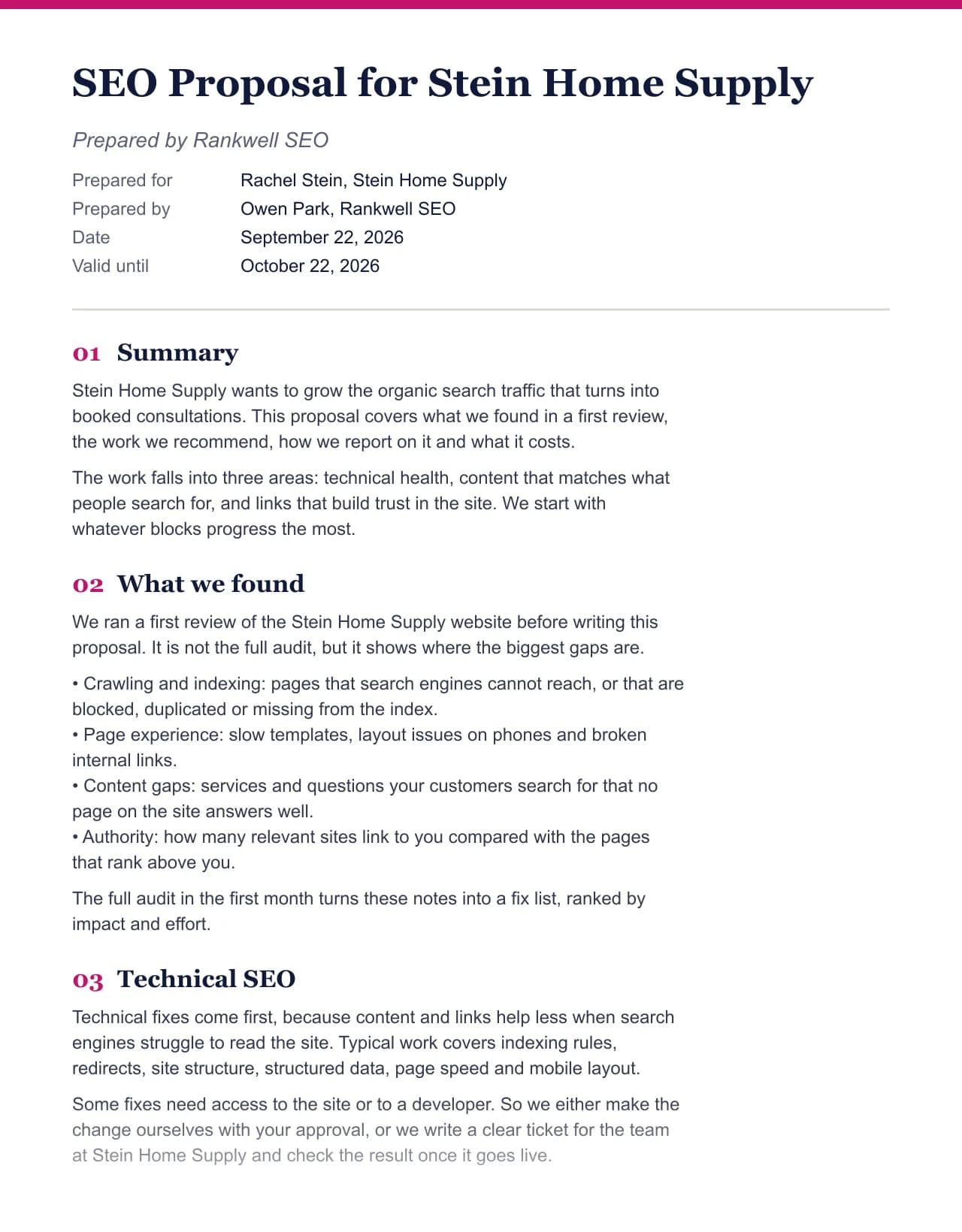 SEO proposal template
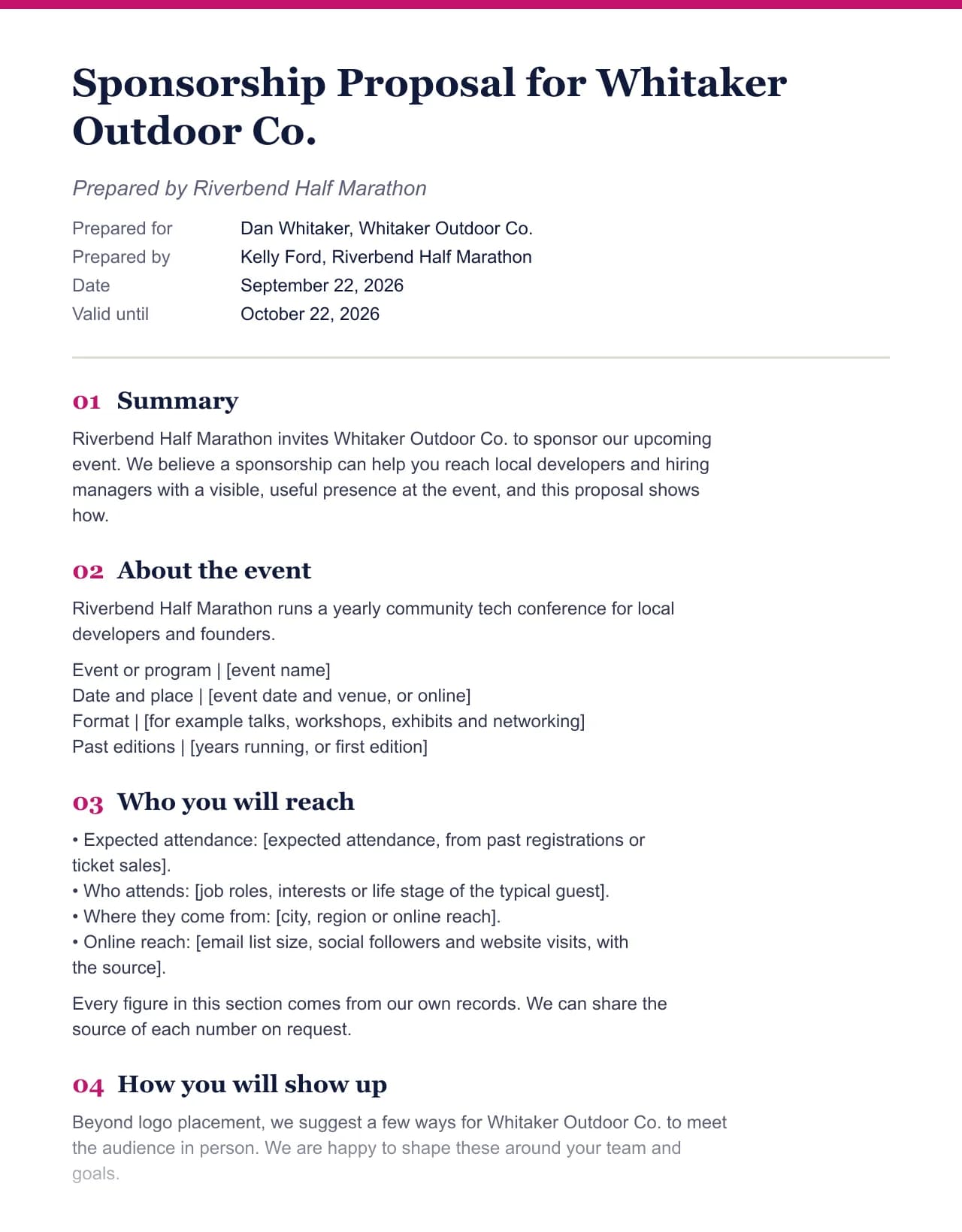 Sponsorship proposal template
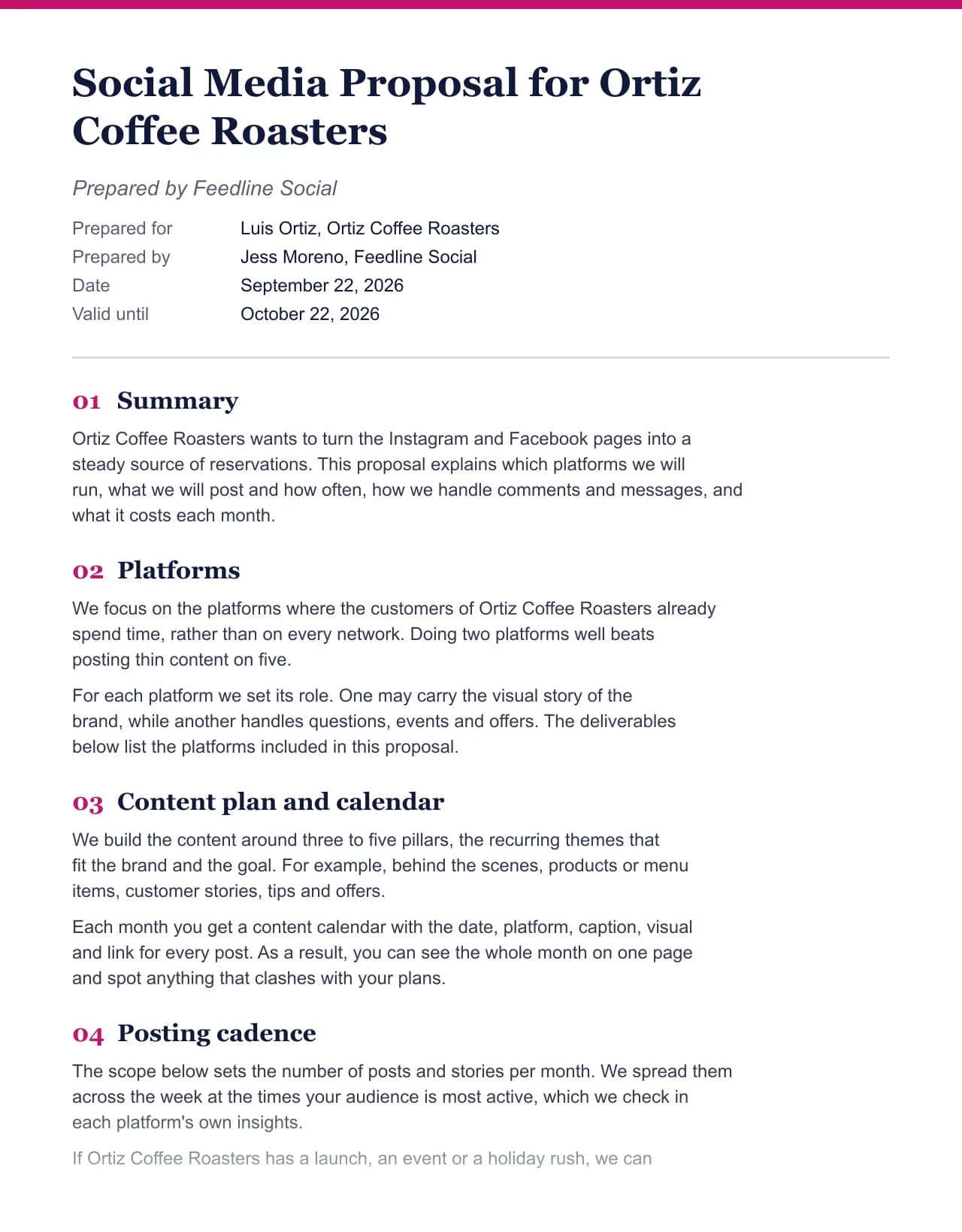 Social media proposal template
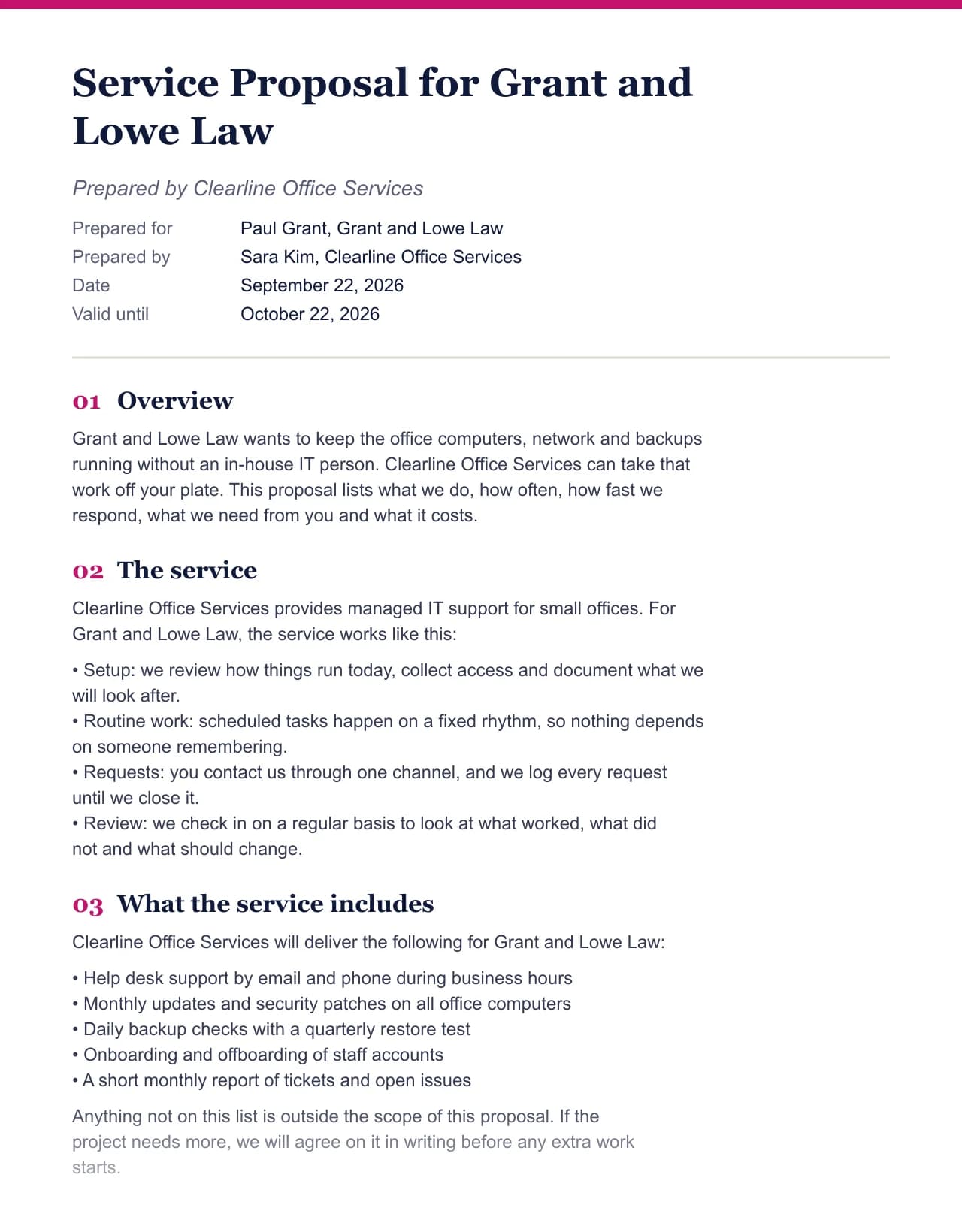 Service proposal template
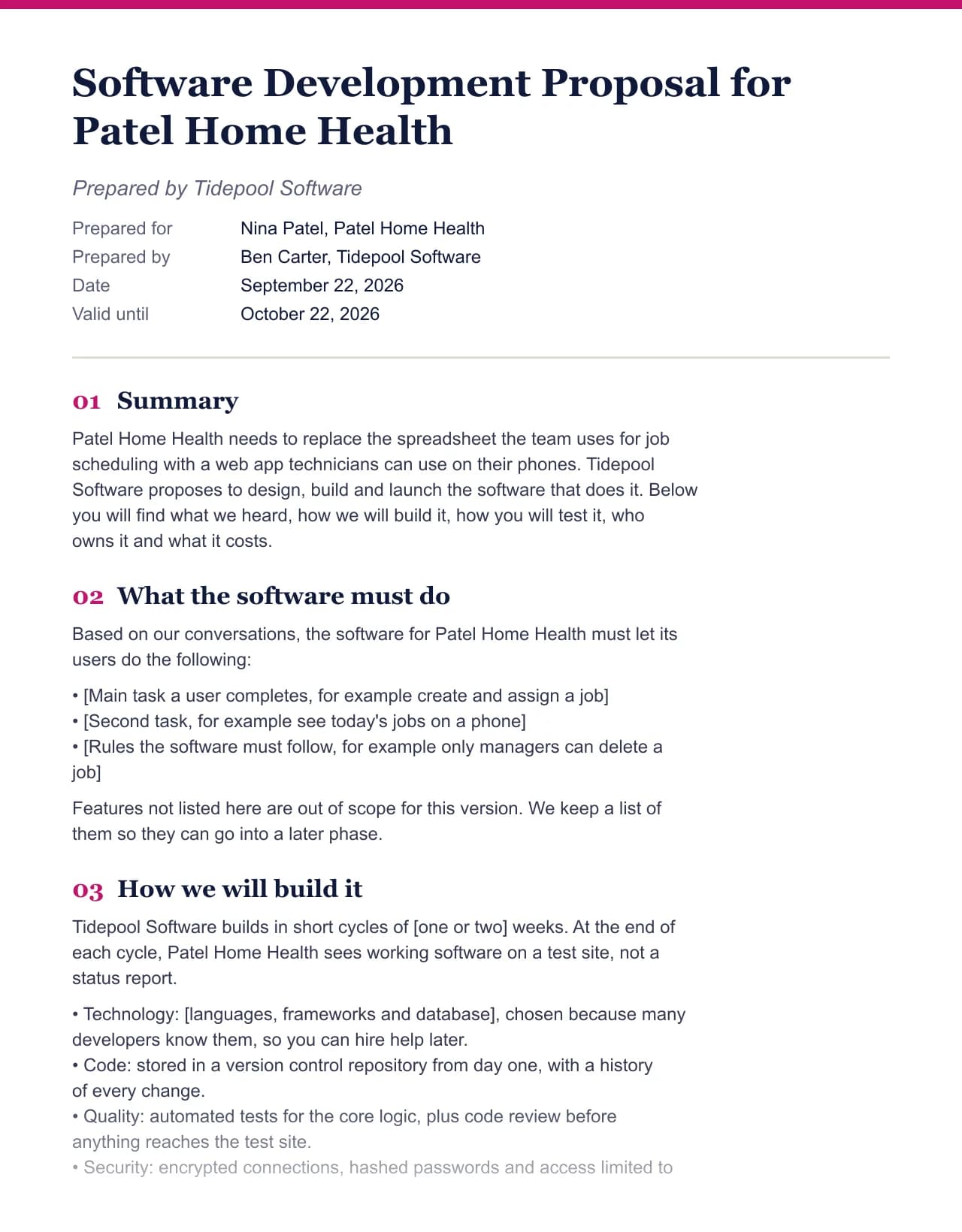 Software proposal template
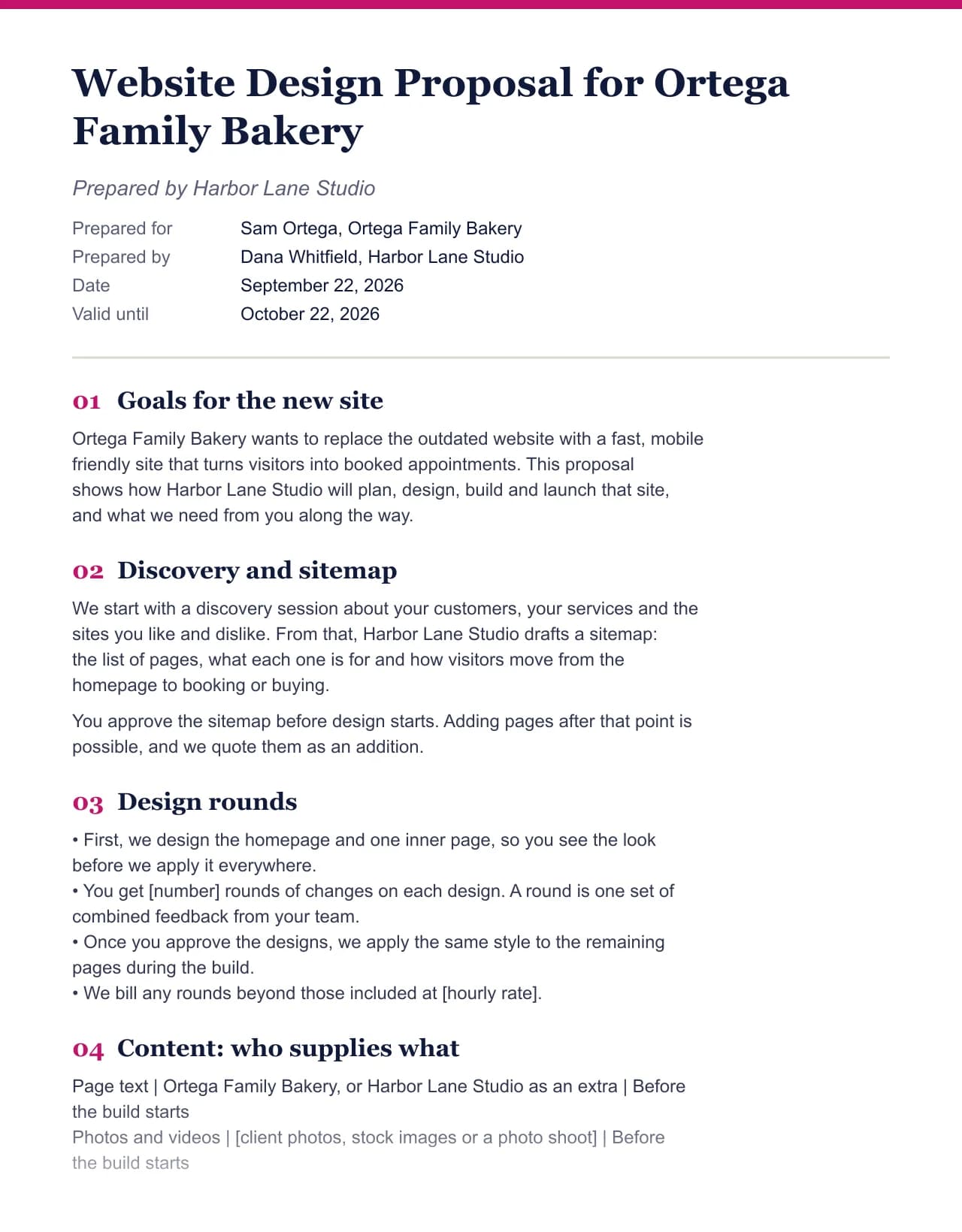 Web design proposal template
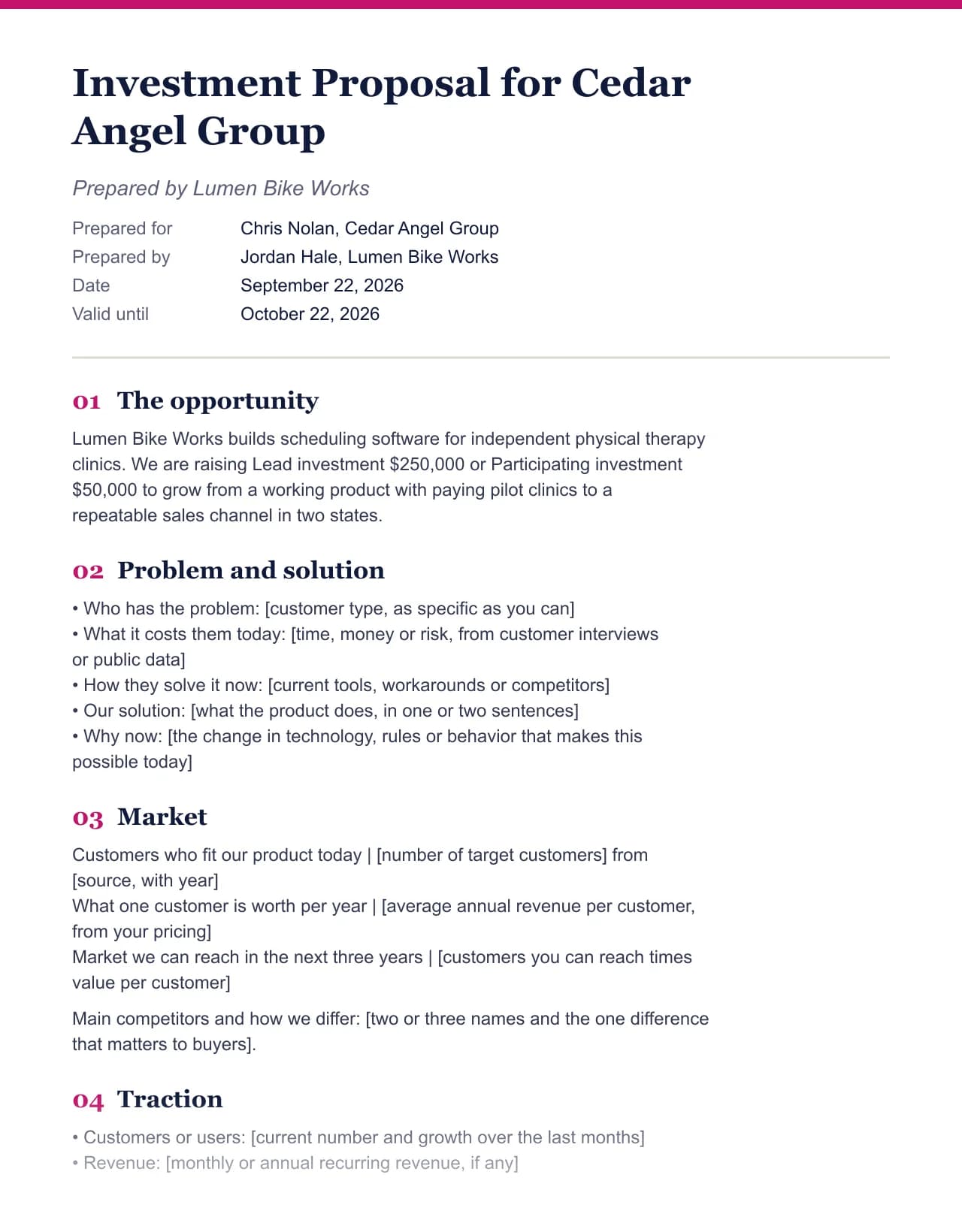 Investment proposal template
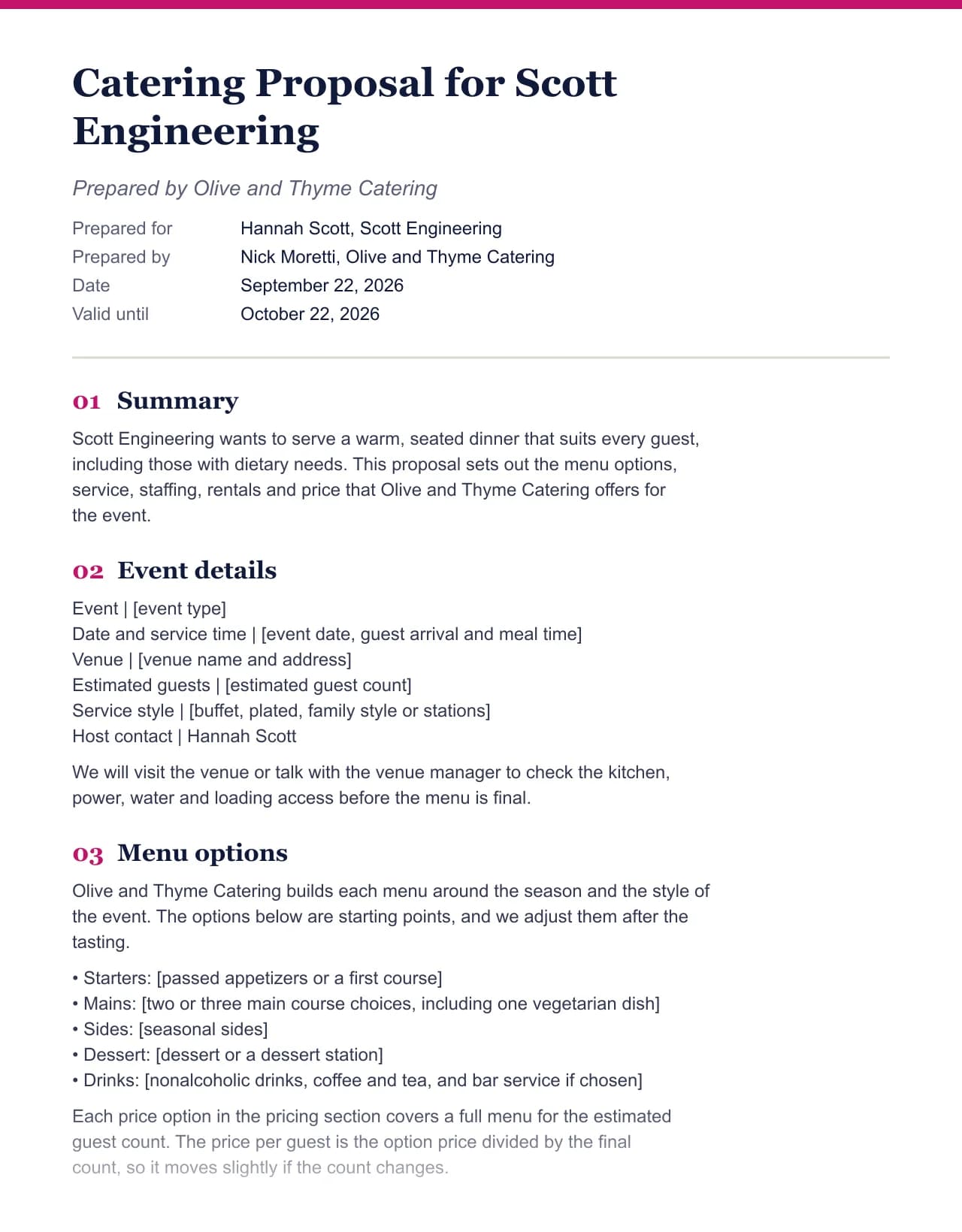 Catering proposal template
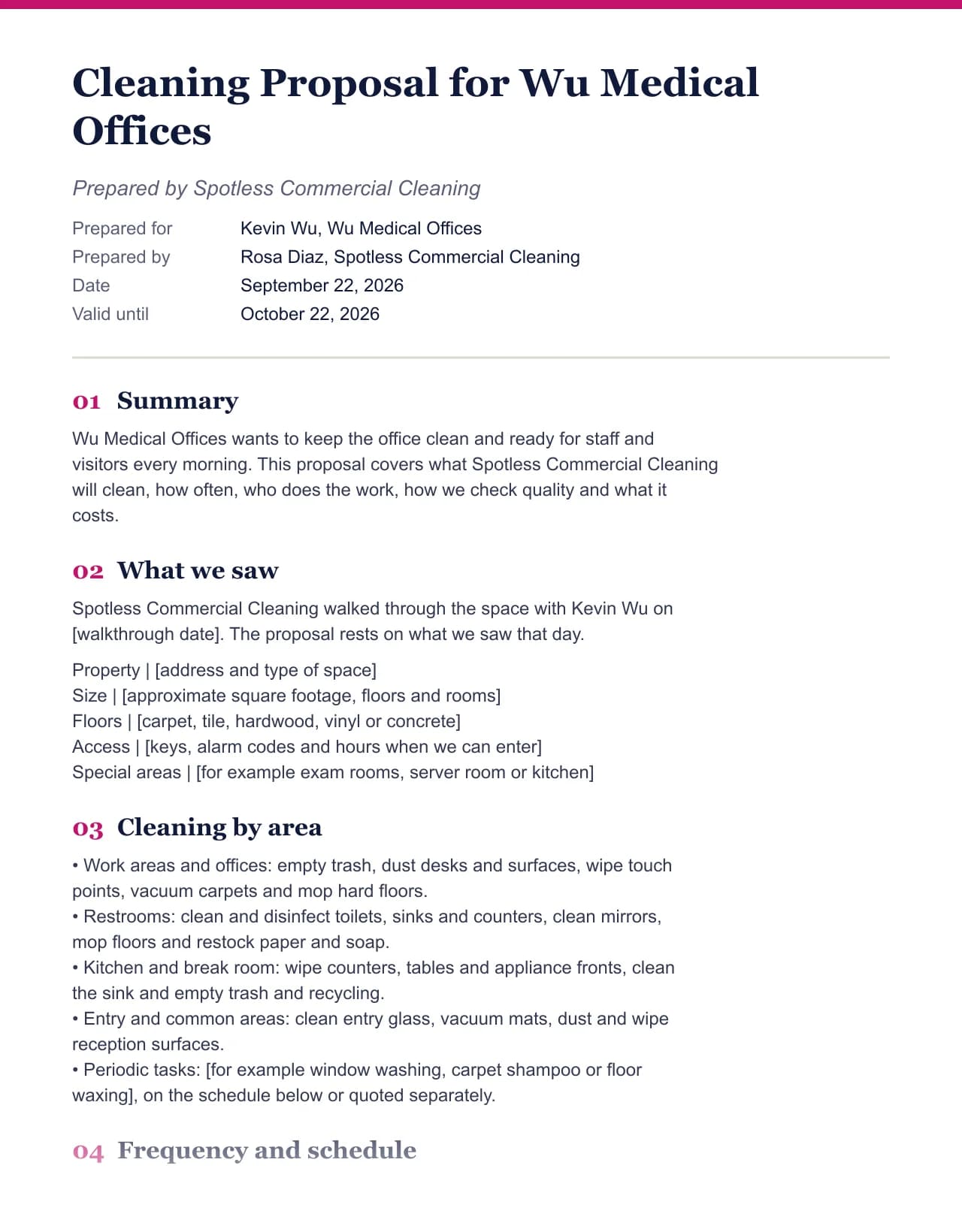 Cleaning proposal template
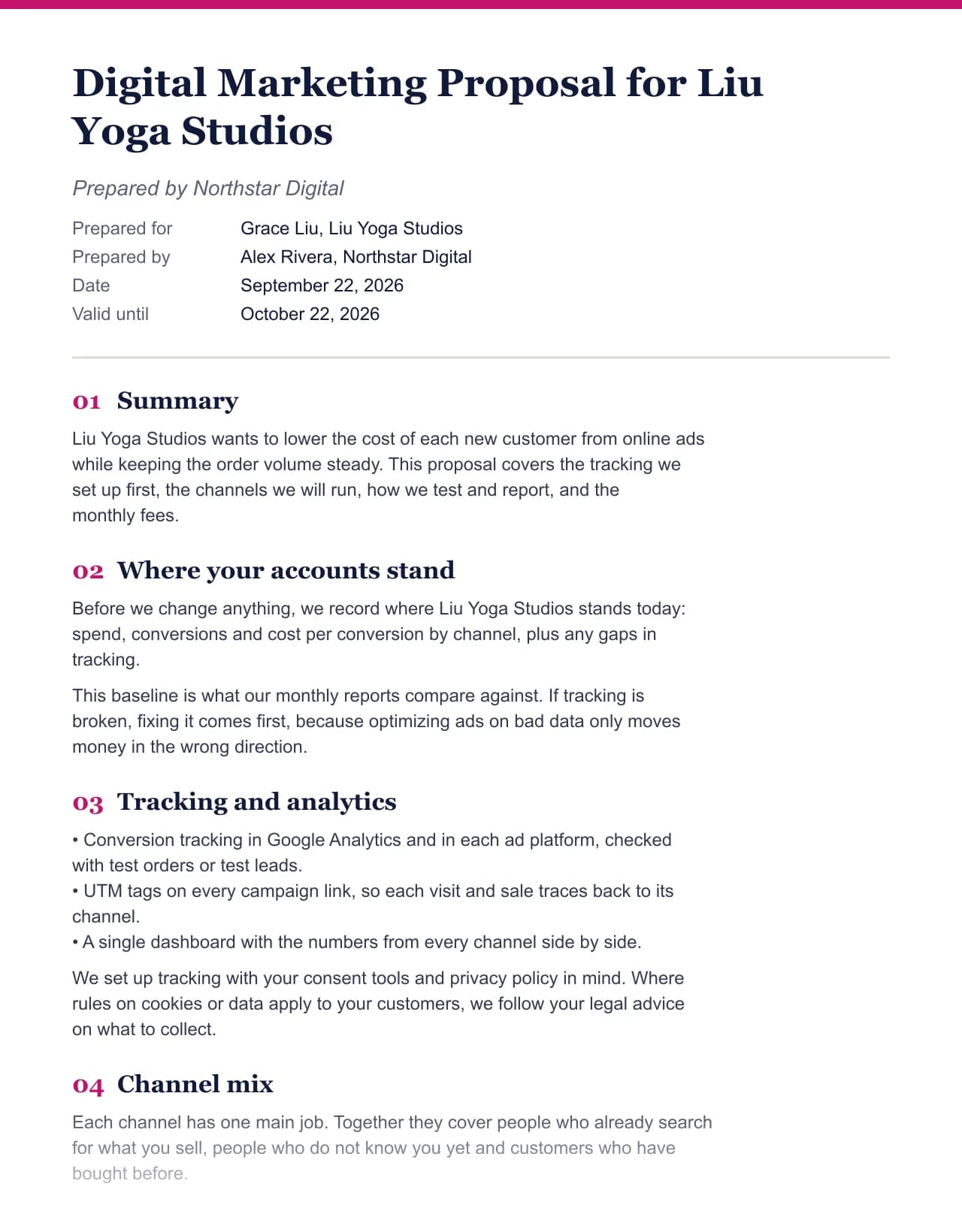 Digital marketing proposal template
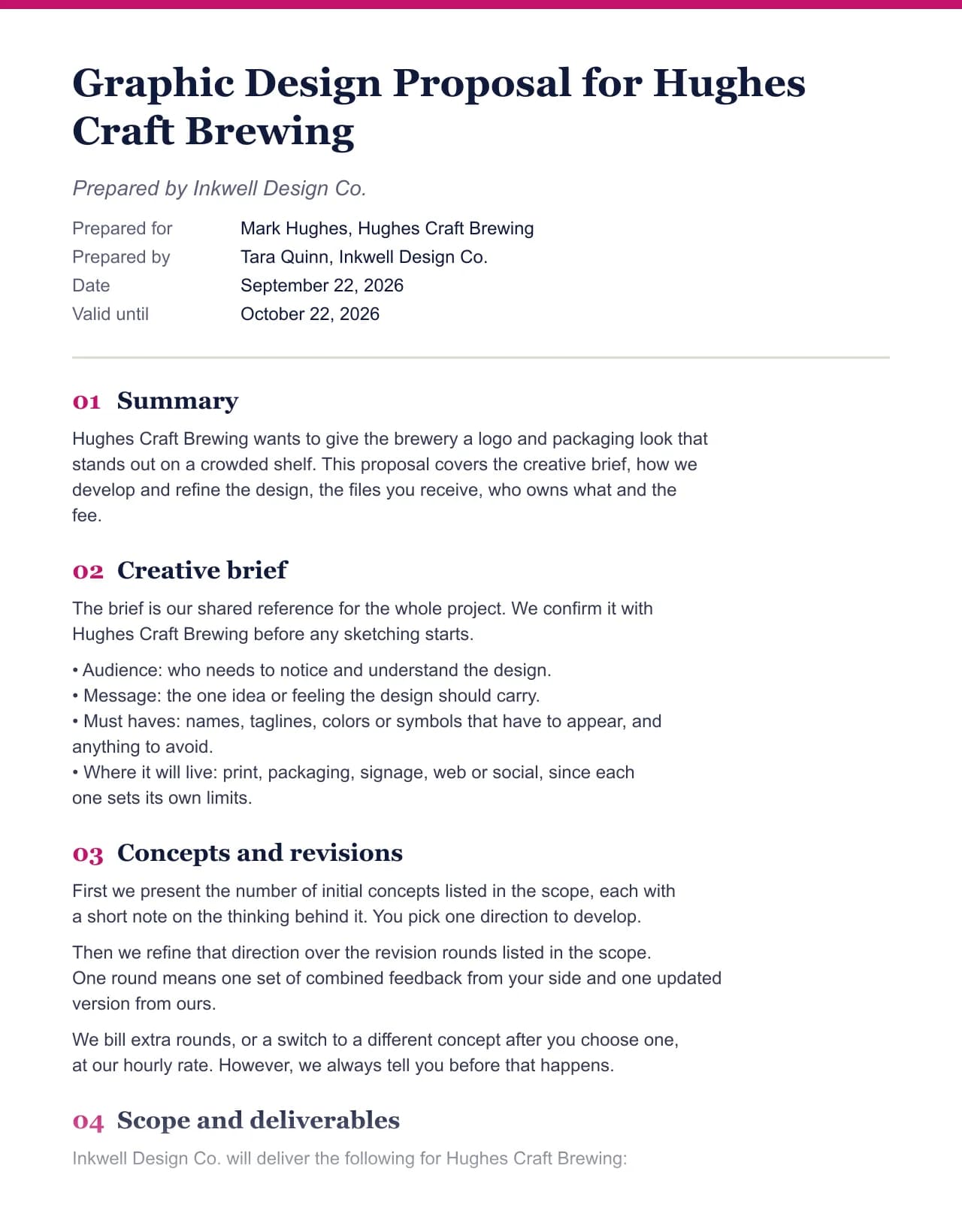 Graphic design proposal template
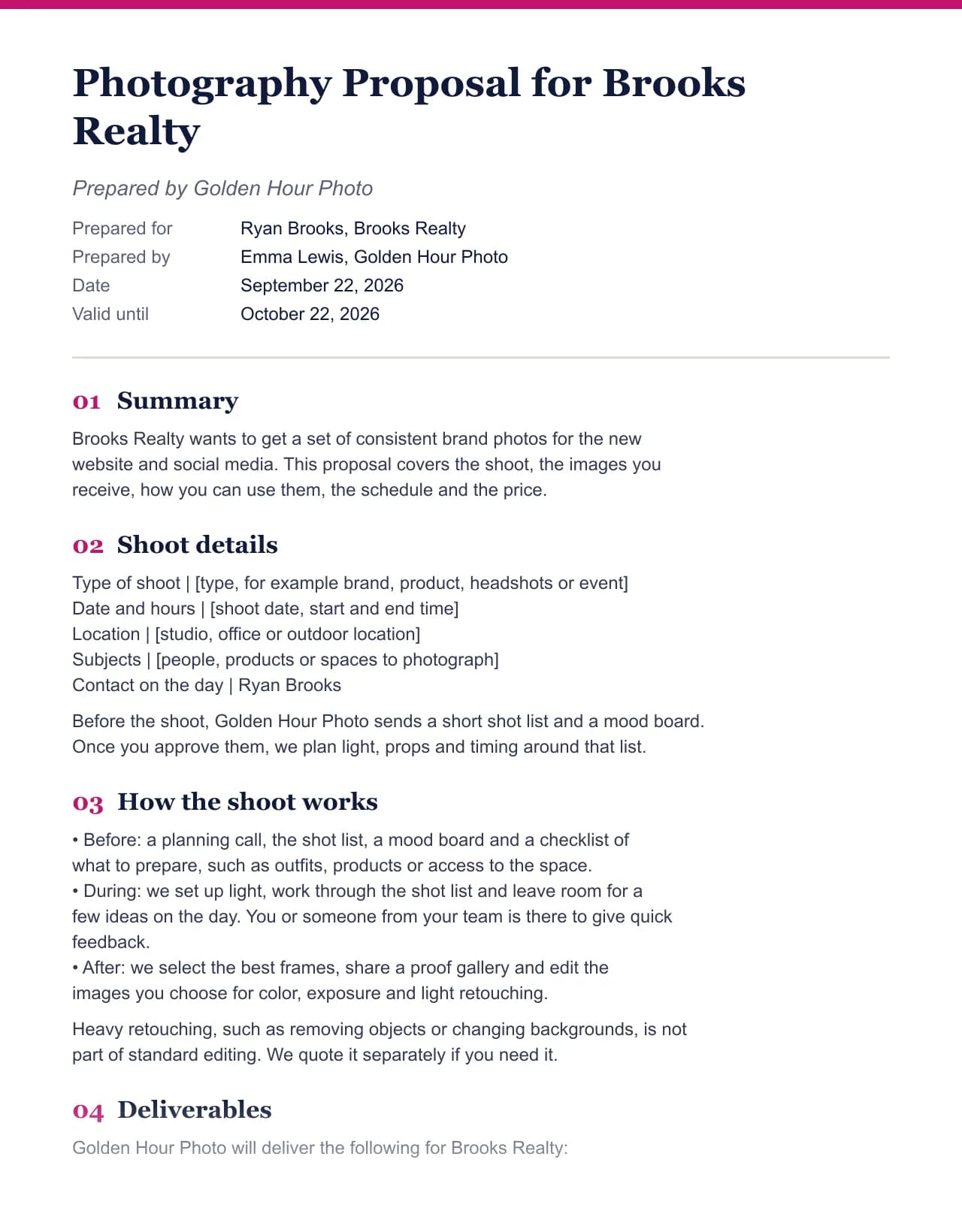 Photography proposal template
Pick a proposal generator or a template
Generators start with the form and let you switch fields. In contrast, templates show the full text for one field, section by section, with a note on why each part is there.
Free to draft. No account. It never invents a fact.
Pricing
Overall, the draft, editing, copying, printing and the Word download are free. Only the AI rewrite for a client brief costs credits after three free runs a day, and paid plans also remove the one line footer from the Word file. See the pricing page for details.
The full generator, on-screen editing, copy, print and the Word download with a one line footer.
Start free- Rewrites a proposal for a client brief
- No daily limit
- Credits never expire
- About $0.17 per run
- No footer line on Word files
- Priority support
- Cancel anytime
- No footer line on Word files
- Priority support
- For teams that send proposals daily
- No footer line on Word files
- Everything in Pro
Proposal generator FAQ
What is a proposal generator?
It is a tool that writes a proposal from a few facts about you, the client and the job. However, ours fills a field specific template with your form, so the structure is right and the facts are yours.
Is this proposal generator free?
Yes. Generating, editing, copying, printing and the Word download are free with no account. Only the AI rewrite for a client brief uses credits, after three free runs a day.
Does the proposal generator use AI?
Only in the optional tailoring step. Instead, the draft comes from hand written templates, and the AI rewrite fits that draft to a brief you paste, using only your facts.
What types of proposals can I create?
There are 19 fields, including consulting, marketing, SEO, web design, construction, cleaning, catering, events, sponsorship, research, grants, investment and Upwork jobs.
Can I download the proposal as a Word file or PDF?
Yes. Download a .docx file for Word or Google Docs, or print to PDF from your browser. However, free Word files end with one short Made with Clinchdraft line.
Can it send the proposal or collect a signature?
No. There is no e-signature, payment link or view tracking. Instead, you send the file yourself, which keeps the tool free for drafting.
Do you store what I type?
No. The form is used to build the proposal and is not saved. Meanwhile, your draft lives in your browser until you copy or download it.